
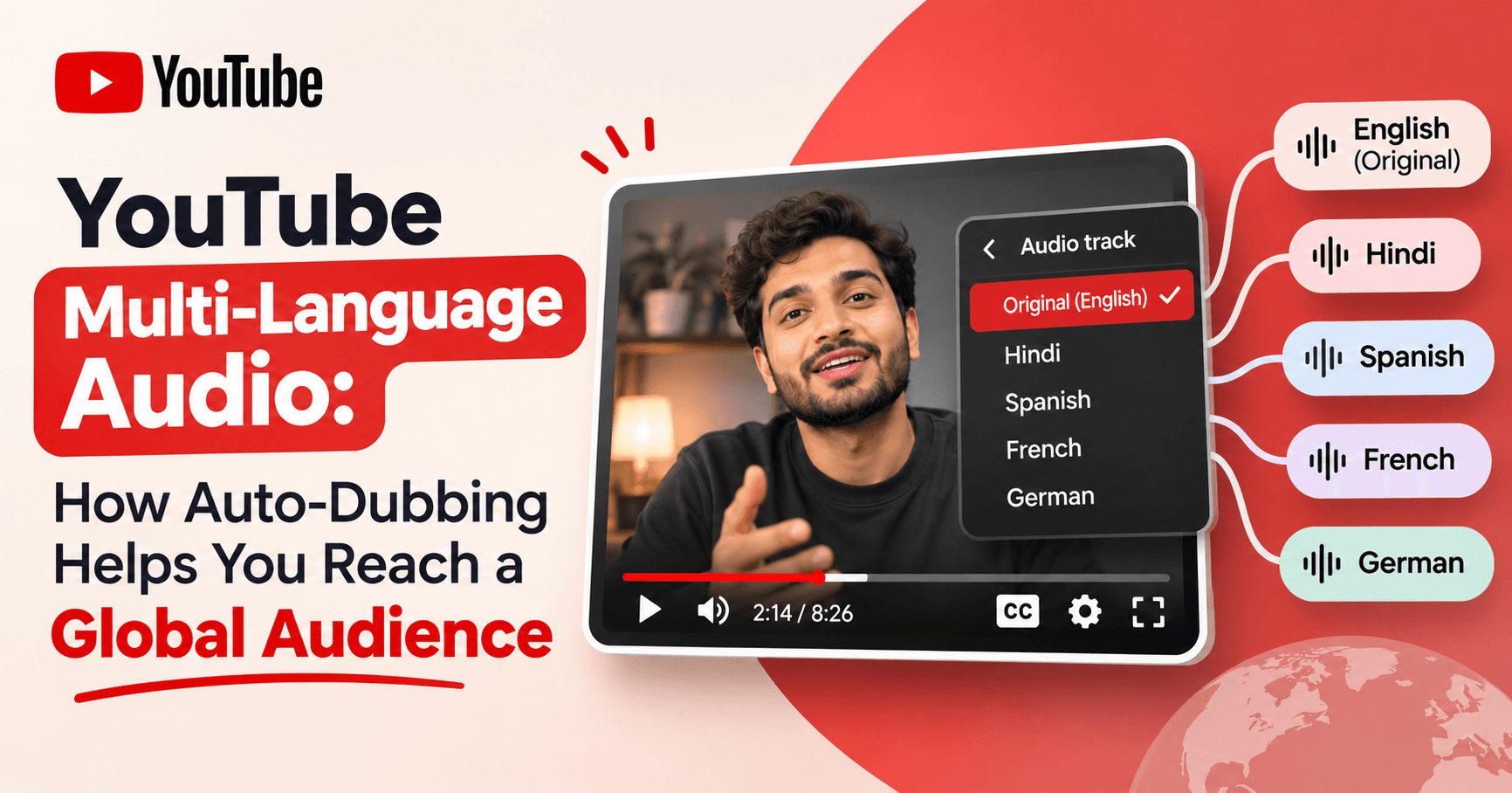
YouTube Multi-Language Audio: How Auto-Dubbing Helps You Reach a Global Audience
YouTube's automatic dubbing generates translated audio tracks for your videos, letting viewers choose their preferred language in the player. The feature is free and enabled by default for eligible creators. Which languages are available depends on your video's original language — English-language videos currently have the widest range of dubbing options.
YouTube auto-dubbing turns a video you made in one language into audio tracks in others, automatically, at no cost. Viewers pick a track in the player, or YouTube serves the one matching their preferred language. For a creator, that means a video can be understood by people who would never have watched it otherwise.
The feature is more capable and more limited than most coverage suggests. Two details in particular tend to be reported wrongly, and both are worth knowing before your next upload.
How Does YouTube Auto-Dubbing Work?
YouTube generates a translated audio track from your original audio and attaches it to the same video. Videos carrying these tracks are marked as auto-dubbed in the video description, so viewers know what they are hearing.
Viewers either set a preferred language for audio, titles and descriptions, or switch between the original and any dubbed track for a specific video in the player settings. Nothing is forced on anyone — the original audio remains available.
When you upload a new video, dubs are generated automatically and published according to your publication settings. YouTube also notes that it may generate dubs for previously published videos over time, so tracks can appear on your back catalogue without any action from you.
Which Creators Can Use YouTube Multi-Language Audio?
Automatic dubbing is enabled by default for eligible creators. If it is not on for your channel, YouTube's documentation points to an early access option to enable it in Advanced settings.
It helps to know there are two separate things here, because the names get used interchangeably and they behave differently:
- Automatic dubbing is the free, AI-generated version. YouTube produces the track; you cannot edit it.
- Multi-language audio tracks are dubs you produce yourself and upload, giving you full control over quality, voice and wording.
Even where your channel is eligible, an individual video can be excluded. YouTube lists the reasons a video may be ineligible for automatic dubbing:
- The video runs longer than 120 minutes.
- It contains no speech, only music, or very little spoken content.
- The original audio is in a language not currently supported.
- The source language could not be detected automatically.
- The speech is too fast, which would produce an unlistenable sped-up dub.
- The video contains copyrighted content.
That fifth one catches people out. If you speak quickly, some of your videos may simply never be dubbed, and there is no error message drawing attention to it — the tracks just do not appear.
Which Languages Can Your Videos Actually Be Dubbed Into?
This is the part most coverage gets wrong, and the answer is more restrictive than the headline numbers suggest.
Support is not a single list of languages. It is a set of pairs: what your video's original language is determines which languages it can be dubbed into. Videos originally in English have by far the widest range. Most other original languages currently pair to English only.
| Your video's original language | What it can be auto-dubbed into |
|---|---|
| English | Around twenty languages, including Arabic, Bengali, Dutch, French, German, Hebrew, Hindi, Indonesian, Italian, Japanese, Korean, Polish, Portuguese, Russian, Spanish, Tamil, Telugu and Ukrainian |
| Spanish | Arabic, English, Portuguese |
| Portuguese | English, Spanish |
| Korean | English or Indonesian |
| Hindi | Bengali, English |
| Most other supported languages | English only |
What this means in practice: if you publish in English, automatic dubbing can open your video to many language audiences. If you publish in almost any other language, the realistic outcome today is one English track — valuable, but a different proposition from the global reach the headline numbers imply.
Some language pairs also support expressive speech, which reproduces the original speaker's pitch and intonation for a more natural result. YouTube notes that even where a language supports it, it will not always be used. The list is expanding and some channels get new languages before others, so the reliable source is the Languages page for your own video in Studio rather than any article's snapshot — this one included.
Is YouTube Auto-Dubbing Free?
Yes. Automatic dubbing is a YouTube feature available at no cost to eligible creators, and it is switched on by default for them. There is nothing to purchase and no separate signup once your channel is eligible.
The cost, such as it is, comes from quality rather than money — an automatic dub you have not listened to is representing you to an audience you cannot evaluate. Which leads directly to the setting worth checking first.
The Setting to Check Before Your Next Upload
By default, dubs generate and publish according to your publication settings — they do not wait for your approval. Some guides state that creators review and approve every dub before it goes live. That is not how the default works, and the difference matters: a dub can appear on your channel in a language you do not speak without you ever having heard it.
If you would rather check first, YouTube provides a manual review option. In the YouTube Studio app, tap your profile picture, then Settings, then under Content tap Automatic dubbing. From there you can turn the feature on or off, and select Publish manually to review dubs before they go out.
Worth knowing: Managing individual dubs — previewing them, reviewing the transcript, publishing, unpublishing or deleting — is only available in YouTube Studio on a computer, at Content, then the video, then Languages. The on/off and manual-review toggles are in the Studio app, but the per-video work is desktop-only.
Three things are worth knowing before you rely on any of this. You cannot edit an automatic dub. If a dub is mistranslated, YouTube's guidance is to correct your original video language setting, which causes the dubs to be generated again. And if you delete a dub rather than unpublishing it, it cannot be republished.
That last point makes unpublish the safer choice when you are unsure. It removes the track from viewers while leaving you the option to bring it back.
Get Your Original Language Setting Right First
The quality of every dub depends on one field most creators have never checked: the original language of your video or channel.
YouTube is explicit that if a video's default language is set incorrectly, its automatic dubs may be mistranslated. The system is translating from what you told it the audio is, not from what the audio actually is. A channel whose default language was set wrongly at setup — easily done, and never obvious afterwards — can produce a run of poor dubs for reasons that have nothing to do with the dubbing itself.
It takes a minute to confirm and it is the highest-value thing you can do before enabling anything.
Does Adding a Dubbed Track Affect My Original Audio's Views?
Your original audio does not lose anything. All the audio tracks are attached to a single video, so views and watch time accumulate on that one video rather than being split across separate uploads — which is the structural advantage of this approach over running a separate channel per language.
A viewer who chooses a dubbed track is someone who was unlikely to watch the original at all, so in practice the dubbed track adds an audience rather than dividing one. YouTube reports that creators who uploaded their own multi-language audio tracks saw over 25% of their watch time come from views in the video's non-primary language — a figure worth reading as an indication that the demand is real, not as a projection for any particular channel, and one that describes uploaded tracks rather than automatic dubs.
What no one can tell you honestly is how a dubbed track will affect your channel's recommendations. YouTube does not document per-language mechanics, and confident claims about videos entering separate recommendation pools per language are not based on anything the platform has published. Treat those claims with the scepticism they have earned.
What to Check After You Turn It On
YouTube's own guidance is to use Analytics to see views and watch time broken down by audio language, and that breakdown is what tells you whether any of this is working for you.
1. Listen to one dub in a language you can evaluate. If you cannot judge any of them, ask someone who speaks it to sample two minutes. A poor dub in a language with real viewership is worse than no dub.
2. Watch the audio-language breakdown for a few weeks. One or two languages usually account for almost all the non-primary watch time. That is the demand signal worth acting on.
3. Check where that demand was already forming. Countries that were sending you traffic before dubbing are the ones most likely to respond to it.
Your existing audience data is the best predictor of which languages are worth attention, and Channel Analytics is a straightforward way to look at where your viewers already are before and after you enable anything. If the revenue side of international viewership is what you are weighing up, our guide to RPM by country covers that separately.
One more step that costs nothing: tell your audience the tracks exist. Many viewers do not know YouTube has an audio-track selector at all, and a short post explaining that they can now watch in another language does more than the feature does silently. The Community Post Generator can draft that announcement.
The Honest Limits
YouTube is unusually candid about what automatic dubbing does not do well, and it is worth repeating rather than discovering.
- Quality varies by language. YouTube states that dub quality may not be the same across all languages, and that dubs may be regenerated over time as it improves.
- Errors come from the source audio. Mispronunciations, accents, dialects and background noise in your original all degrade the result.
- Proper nouns, idioms and jargon are hard. YouTube names these specifically. If your content is dense with names or field-specific terms, expect more errors.
- The voice may not sound like you. Matching the dubbing voice to the original speaker is an acknowledged difficulty.
- Culture does not translate with the words. Content built on local references, wordplay or humour can be technically well dubbed and still land flat.
This is why many creators use automatic dubbing as a free test rather than a finished product: let it run, watch which languages produce real watch time, and then consider producing a proper human dub and uploading it as your own track for the one or two languages that justify the effort. YouTube's own advice points the same way — go deep in one or two languages rather than broad across many.
The Bottom Line
Automatic dubbing is free, usually already on, and requires nothing from you — which is precisely why it is worth spending ten minutes on deliberately. Confirm your original language setting is correct, decide whether you want dubs published automatically or held for review, and check what your video's Languages page actually offers, since that depends on the language you publish in.
Then let the audio-language breakdown tell you whether there is an audience worth serving properly. For most creators the honest outcome is one or two languages that matter and several that never will — which is a far more useful thing to know than a headline count of supported languages.