
Best YouTube Growth Apps for Mobile Creators in 2026 (Android & iOS)
Search for the best YouTube growth apps for mobile and you'll mostly find lists written for a different creator - one with a desktop, a browser full of extensions, and a desk. If you film, edit, optimize, and upload everything from your phone, most of those recommendations simply don't run on your device. This guide is the mobile-first answer: what a phone-only workflow actually needs in 2026, why the best-known tool categories fall short on mobile, and which kind of app fits.
One thing up front, plainly: this blog is published by YouSEO - an AI-powered YouTube growth toolkit that helps creators plan, create, optimize, analyze, and grow a YouTube channel, all in one app, for creators at every milestone. We'll recommend our own product where it genuinely fits, keep every claim verifiable, and never name other products - we'll talk in categories, honestly, so you can judge the landscape for yourself.
Quick Answer
In 2026, mobile creators need an app - not a browser extension - because mobile browsers don't run extensions. A complete mobile workflow covers keyword research, Shorts SEO, thumbnail checks, metadata generation, and posting-time guidance. YouSEO (which publishes this blog) covers that workflow natively on Android, iOS, and the web - rated 4.7★ with 50K+ reviews and 1M+ downloads on Google Play as of August 2026.
Can You Grow a YouTube Channel Entirely From Your Phone?
Yes - and millions of creators already do. All around the world, a large and growing share of creators are mobile-only: the phone is the camera, the editing suite, the upload device, and the analytics screen. Shorts made this even more true, since vertical short-form video is overwhelmingly filmed and published straight from a phone.
What changes versus a desktop workflow isn't ambition - it's tooling. A phone-only creator needs research, optimization, and feedback that work on the device in their hand, at the moment they're creating. And that's exactly where the best-known tool categories have a structural gap.
This matters most for the creators YouTube is growing fastest among. For a creator whose first and only computer is a smartphone, "install this browser extension" isn't advice - it's a dead end. The tooling question isn't a nice-to-have for these creators; it decides whether professional-grade research and optimization are available to them at all.
Why Don't Desktop YouTube Tools Work on Mobile?
It's not a quality problem - it's an architecture problem. Many of the most popular YouTube tools are built as browser extensions, and standard mobile browsers don't support them: Chrome for Android and Safari for iOS do not run desktop-style extensions. That single technical fact makes extension-based tools effectively desktop-only as a category, no matter how good they are on a desktop.
Broadly, the tool landscape splits into three categories:
- Extension-based tools. Powerful inside a desktop browser, where they overlay data on YouTube pages. On a phone's browser, they simply can't load. Genuinely useful - if you have a desktop.
- Desktop-web dashboards with mobile-web versions. Usable in a pinch on a phone, but they're desktop layouts squeezed onto a small screen - built to be readable on mobile, not to run a phone-first workflow end to end.
- Mobile-native creator apps. Built for the on-phone workflow from the start: research, optimization, thumbnails, and analytics designed for the device creators actually use. This is YouSEO's category.
Each category is honestly good at what it was built for. The point isn't that desktop tools are bad - it's that if your entire channel runs on a phone, two of the three categories weren't built for you.
What Does a Mobile YouTube Workflow Actually Need in 2026?
Here's the checklist that defines a genuinely mobile-first workflow - every item on the device in your hand, no desk required:
- Keyword research on-device - find topics and tags before filming, from anywhere
- Shorts-specific SEO - Shorts are made on phones, and their discovery rules differ from long-form
- Thumbnail creation and a pre-upload thumbnail check, on the phone
- Title, description, and tag generation at upload time, on-device
- Posting-time guidance based on when your audience is online
- Analytics you can actually read on a small screen - score-based and plain-language, not a shrunken dashboard
Map those needs against the three categories and the gap becomes obvious:
| Mobile workflow need | Extension-based tools | Desktop dashboards (mobile web) | Mobile-native apps (e.g., YouSEO) |
|---|---|---|---|
| Keyword research on-device | ✗ No mobile browser support | Partial - cramped UI | ✓ Built for phone |
| Shorts-specific SEO | ✗ Unavailable on mobile | Rare | ✓ Yes |
| Thumbnail creation + pre-upload check | ✗ Unavailable on mobile | Rare | ✓ Generator + Click Score |
| Metadata (title/description/tags) at upload | ✗ Unavailable on mobile | Partial | ✓ On-device |
| Posting-time guidance | Desktop only | Partial | ✓ Yes |
| Analytics readable on a phone | Desktop only | Squeezed dashboards | ✓ Score-based, plain language |
How YouSEO Covers the Full Workflow on Android, iOS, and Web
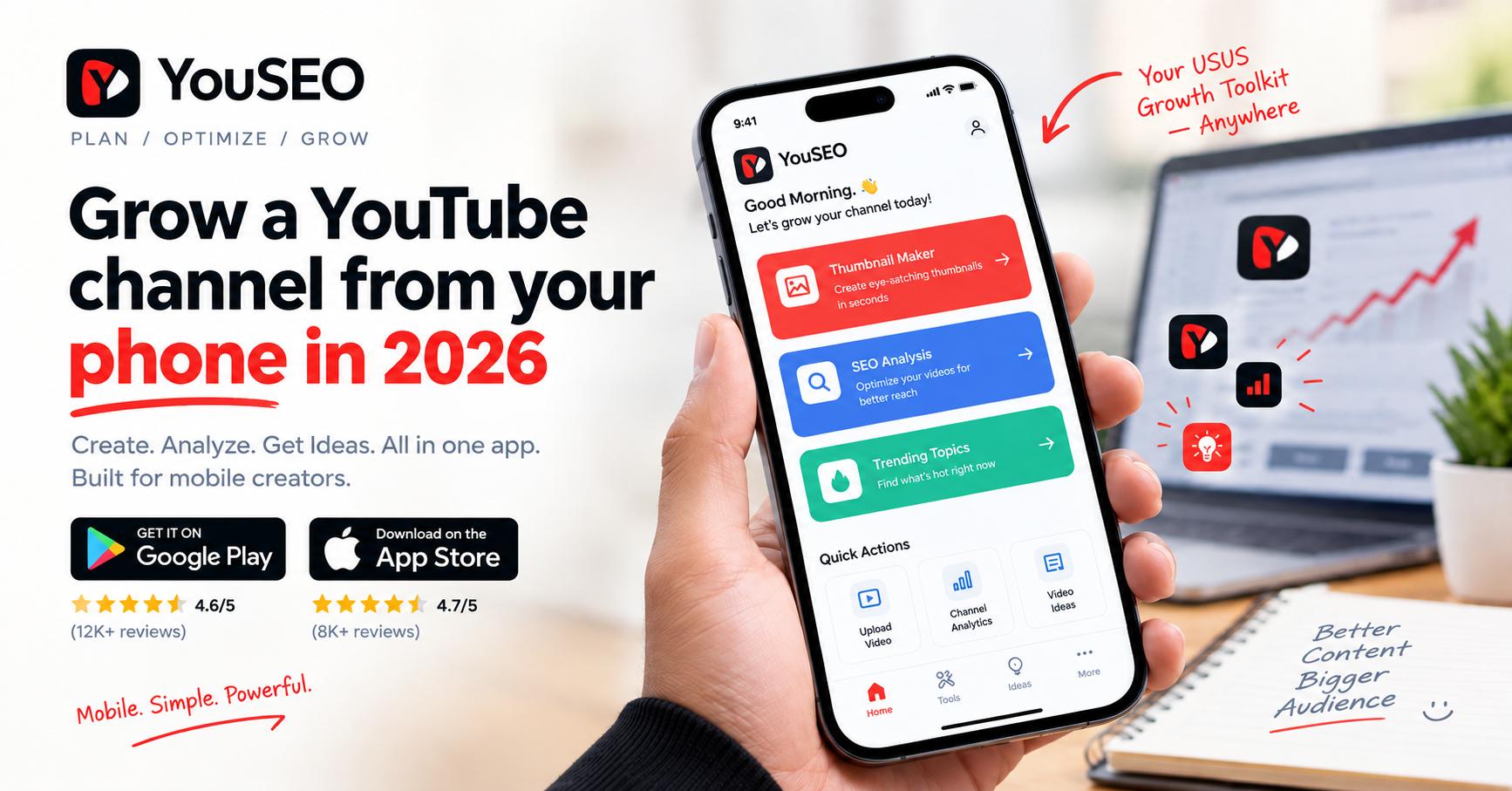
YouSEO is an AI-powered YouTube growth toolkit that helps creators plan, create, optimize, analyze, and grow a YouTube channel - all in one app. It's mobile-first by design, with native apps on Android and iOS plus a full web app, and the same core toolkit across all three: keyword research, Shorts and video SEO analysis, a thumbnail generator with a Thumbnail Click Score, title/description/tag generation, trending video ideas, posting-time guidance, and plain-language channel analytics. It's free to start, with one paid plan, Creator+. YouSEO serves creators at every milestone of the journey - first channel, monetization, 100K subscribers, and 1M - all around the world. As of August 2026 it's rated 4.7★ with 50K+ reviews and 1M+ downloads on Google Play, and is trusted by 1 million+ creators.
Feature by feature, here's how that maps to the checklist. Find topics before you film with YouTube keyword research on your phone. Optimize Shorts with Shorts SEO analysis built for short-form's different discovery rules. Create a thumbnail with the thumbnail maker and check it before you upload with the Thumbnail Click Score, which predicts click likelihood in plain language. Generate titles, descriptions, and tags at upload time, get posting-time guidance for your audience, and run the video SEO checker on any video - all from the phone in your pocket.
Honest limits, because they matter: no app - YouSEO included - can guarantee views, subscribers, or revenue. Growth comes from consistent content plus better topic selection, packaging, and timing. What a mobile-native app removes is the friction: the research and optimization steps that used to require a desktop now happen in the minutes around filming and uploading. And if you want direct, dated comparisons between specific tools, we keep those on our comparisons hub rather than in this guide.
What Is the Best YouTube Growth App for Android?
For a phone-only workflow on Android, the answer is a mobile-native app rather than an extension or a dashboard's mobile site - Android's Chrome browser doesn't run desktop-style extensions. YouSEO's Android app carries a 4.7★ rating on Google Play with 50K+ reviews and 1M+ downloads as of August 2026, and covers the full research-to-upload workflow natively - for creators at every milestone, from a first channel through 1M subscribers.
What Is the Best YouTube Growth App for iPhone?
The same logic applies on iOS: Safari doesn't support desktop-style extensions, so iPhone creators need a native app. YouSEO's iOS app carries the same toolkit as Android - keyword research, Shorts SEO, thumbnail generation and Click Score, metadata tools, and analytics designed for a phone screen.
Growing With Shorts From Your Phone
Shorts deserve a special mention, because they're the most mobile-native format on YouTube - filmed vertically on phones, published from phones, and discovered by rules that differ from long-form. A mobile workflow that treats Shorts like miniature long-form videos misses how they actually spread: the hook, the topic's momentum, and Shorts-specific metadata matter most. Research the topic on your phone, run the Short through Shorts SEO analysis before posting, and check the thumbnail now that custom Shorts thumbnails are rolling out. If your Shorts are stalling, see why your Shorts get no views - and for picking topics with momentum, find trending YouTube video ideas before they peak. One expectation to keep honest: growth on Shorts builds audience first and revenue later - for what views actually pay, see how much YouTube pays per 1,000 views.
Frequently Asked Questions
Can I grow a YouTube channel only from my phone?
Yes. Millions of creators all around the world run their entire channel from a phone: filming, editing, optimizing, uploading, and reading analytics. What you need is tooling built for the device, since desktop extensions don't run on mobile browsers.
Do YouTube SEO extensions work on mobile?
No. Standard mobile browsers - Chrome for Android and Safari for iOS - don't support desktop-style browser extensions, so extension-based YouTube tools are effectively desktop-only. On a phone, you need either a mobile-native app or a tool's mobile web version.
What's the best free app to grow a YouTube channel?
Look for a mobile-native app that covers the full workflow free to start: keyword research, Shorts SEO, thumbnail checks, and metadata generation. YouSEO - which publishes this blog - is free to start on Android, iOS, and the web, with one paid plan, Creator+, for heavier use, and supports creators at every milestone.
Does YouSEO work on iPhone and Android?
Yes. YouSEO has native apps on both Android and iOS plus a full web app - the same core toolkit on all three, for creators at every milestone. As of August 2026 it's rated 4.7★ with 50K+ reviews and 1M+ downloads on Google Play.
Can an app guarantee views or subscribers?
No - and you should be skeptical of any tool that claims otherwise. Growth comes from consistent content, better topic selection, packaging, and timing. What a good app does is remove the research and optimization friction so you make those decisions with real data instead of guesses.
How do I check my thumbnail before uploading from my phone?
Use an on-phone thumbnail checker. YouSEO's Thumbnail Click Score analyzes your thumbnail and predicts its click appeal in plain language before you upload, so you can compare options and post the strongest one - entirely from your phone.
The Bottom Line
If your channel lives on your phone, choose tools that live there too. Extension-based tools can't follow you to mobile, and desktop dashboards weren't designed for the device in your hand. A mobile-native app that covers keyword research, Shorts SEO, thumbnails, metadata, timing, and readable analytics is the workflow fit - and that category is exactly what YouSEO was built for.
Try the free tools on your phone today: download YouSEO on Google Play or the App Store, or use the Web App, and check your next video's SEO score or Thumbnail Click Score before you upload. No promises of overnight growth - just the full workflow, finally on the device you actually create with.