
YouTube Community Posts: The Growth Lever Most Creators Never Touch
You upload. You wait. You upload again. And in the days between, your channel goes quiet - no new signal, no reason for anyone to think about you, nothing for a returning viewer to find. Then the next video lands to a colder audience than the last one, and you wonder what went wrong.
Nothing went wrong. You just left one of your channel's built-in tools sitting empty. The YouTube community post - the Community tab, now labelled Posts inside YouTube Studio - is the one place you can reach your audience without filming anything. Most creators use it to drop a link when a video goes live, then ignore it for six days. This guide covers what to do with the other six days. (For context on who's writing this: YouSEO is an AI-powered YouTube growth toolkit that helps creators plan, create, optimize, analyze, and grow a YouTube channel - all in one app.)
The short version: Community posts let you stay visible between uploads, test video ideas before you film them, warm up an audience before a video drops, and point people back at videos they missed. Polls and image posts take under a minute to make. Two to three posts a week is a workable starting rhythm for most channels.
How Do I Get the Community Tab on YouTube?
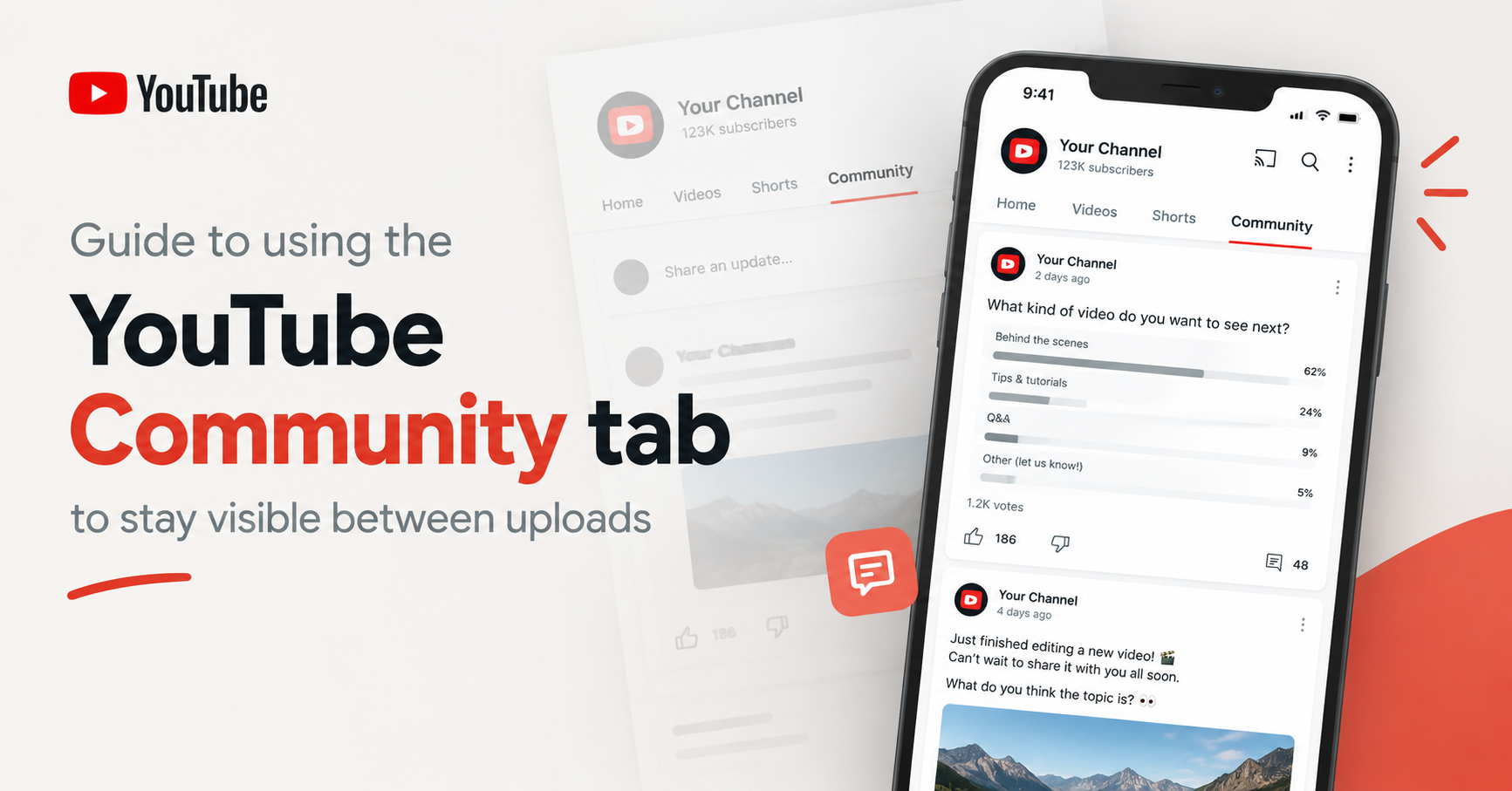
The Community feature lets eligible creators interact with viewers through posts such as text, images, polls, quizzes, and video-related posts. In YouTube Studio, these are managed through the Posts section.
YouTube expanded Community Posts beyond the old subscriber-count requirements. Access is tied to YouTube's feature eligibility system, including access to Advanced features. YouTube has also stated that channels set as Made for Kids do not have access to the Posts tab.
Because YouTube can change feature eligibility and availability, the safest way to check your channel is:
YouTube Studio → Settings → Channel → Feature eligibility
If Posts are unavailable, check whether Advanced features are enabled and whether your channel has any restrictions affecting access.
Do Community Posts Help the Algorithm?
Here's the honest answer: nobody outside YouTube can tell you how community posts are weighted in recommendations, and anyone who claims a specific number is guessing. What can be described is what the feature does, which is useful enough on its own.
A community post gives your channel a reason to appear in front of returning viewers on a day you did not upload. It gives people who already subscribed something to interact with, which keeps the relationship warm instead of dormant. A poll tells you which idea your actual audience prefers before you spend a day filming the wrong one. A teaser lets people know a video is coming, so it does not have to find its audience entirely from scratch. And a post linking an older video puts your back catalogue in front of people who joined after it was published.
None of that guarantees views. All of it removes silence, and silence is the thing you are actually fighting between uploads.
What Should You Post on the YouTube Community Tab?
Seventeen ideas, grouped by what you want the post to accomplish. Each one is written so you can copy it, swap in your topic, and post it. The square brackets are your blanks.
Posts that get people participating
1. This-or-That Poll
Example:
What should I cover in the next video?
- YouTube SEO
- YouTube thumbnails
2. Prediction Poll
Example:
Before the next video drops, what do you think the answer will be?
- The main character discovers a hidden secret
- Someone unexpected shows up
- Everything goes completely wrong
- I have no idea - surprise me!
3. Niche Quiz
Example:
Quick quiz for the people who've been here a while:
What is the most important factor when choosing a YouTube topic?
- Search demand
- Audience interest
- Competition
- All three
YouTube supports quizzes with up to four answers, and quiz answers can be up to 80 characters each when no image is attached.
4. Opinion Prompt
Example:
An opinion that might get me in trouble in the YouTube creator space:
Posting more videos isn't always the answer to a growth problem.
What do you think?
5. Fill in the Blank
Example:
The one thing I wish I'd known before starting my YouTube channel:
Drop yours below.
Polls are one of the simplest ways to invite audience participation because viewers can respond without writing a long comment.
Posts That Warm Up a Video Before It Drops
6. Thumbnail Poll
Example:
Two thumbnails. One video.
Which one would you click?
- Thumbnail A - “I Tried This for 30 Days”
- Thumbnail B - “I Wish I Knew This Earlier”
You can use an image poll when you want viewers to compare actual thumbnail designs. YouTube supports image polls with up to four image options.
7. Title Poll
Example:
Help me choose the title for Friday's video:
- How to Grow a YouTube Channel
- How to Grow Your YouTube Channel in 2026
8. Teaser Frame
Example:
Filming this today.
Any guesses what went wrong?
Attach an interesting frame from the recording without explaining the full story.
9. Pre-Production Question
Example:
I'm making a video about YouTube thumbnails this week.
What's one thing you want me to cover?
10. Countdown Post
Example:
New video tomorrow.
We're breaking down how to improve YouTube CTR without changing your entire content strategy.
If you've been struggling to get people to click, this one is for you.
A thumbnail poll is especially useful because it creates engagement while giving you direct audience feedback about your packaging choices.
Posts That Build the Relationship
11. Behind the Scenes
Example:
Here's what filming today's video actually looked like.
Attach a photo of your desk, camera setup, editing workspace, or recording environment.
Behind-the-scenes content can make a channel feel more personal and give viewers a reason to interact beyond the finished videos.
12. Milestone Thank-You
Example:
10,000 subscribers.
When I started this channel, I was making videos for a much smaller audience.
Thank you for being here and helping me build this.
13. Ask Me Anything
Example:
I'm answering your questions in the next video.
What do you want to know about YouTube growth?
14. Tool or Setup Share
Example:
This is the microphone I use for every video — and why I switched to it.
Attach a photo of the equipment or setup.
Posts That Send People Back to Existing Videos
15. Resurface an Older Video With New Context
Example:
A lot of new people have joined the channel recently.
If you're just getting started with YouTube SEO, this is the video I'd recommend watching first.
Attach the relevant video.
16. Most-Asked Question
Example:
This question comes up all the time:
"How many times should I post on YouTube?"
I answered it in this video.
Attach the relevant video.
17. Seasonal Throwback
Example:
It's that time of year again.
If you're planning your YouTube strategy for the next few months, this older guide is worth revisiting.
Attach the relevant video.
Older videos are easy to overlook once a channel has grown. A well-timed post can introduce that existing content to viewers who were not around when it was originally published.
Traffic-recovery posts are the most underrated of the four groups. Every channel has videos that were published before the audience grew - the people who subscribed last month have never seen them. A post is the cheapest way to reintroduce that work. If you are looking for what to make next rather than what to resurface, trending video ideas is the other half of that job.
How Often Should You Post Community Posts?
Two to three posts a week is a rhythm most channels can sustain, and sustainability matters more than frequency - a schedule you keep for six months beats a burst you abandon in ten days. Posting several times a day tends to work against you, because the same audience sees every post and the feed stops feeling like a signal.
A rotation removes the decision fatigue. Here is one that fits around a weekly upload:
| Day | Post type | What it does |
|---|---|---|
| Early week | Poll or quiz | Lowest-effort participation. Gives you input you can actually use in the next video. |
| Midweek | Teaser or behind-the-scenes | Warms up the upcoming video and shows the person behind the channel. |
| Upload day | Video announcement with context | Not just the link - one line on who the video is for and what it answers. |
| Quiet day | Resurface an older video | Points returning viewers at something they missed, without needing a new upload. |
Adjust the days to your own upload schedule. If you post twice a week, keep the poll and the teaser and drop the rest. The point of a rotation is that you never open the post box wondering what to write - the slot tells you the type, and you only have to supply the topic. If your posting times matter to you, the same logic that applies to uploads applies here: check when your audience is actually online with a best time to post tool rather than guessing.
Common Community Post Mistakes
- Posting only "new video out" links. If every post is an announcement, the tab becomes an ad feed and people stop looking at it. Announcements work when they are a minority of what you post.
- Asking for likes and subscribers directly. It converts poorly and it changes how the audience reads everything else you post. Ask for opinions instead - people give those freely.
- Running polls and then ignoring the result. If the audience picks option B and you make option A, you have taught them their vote does not matter. Either follow the result or explain why you went the other way.
- Posting a link with no context. "New video" tells nobody whether it is for them. One line on who the video is for does more work than the link itself.
- Long gaps followed by bursts. Six posts in one day after three silent weeks is worse than one post a week for three weeks.
- Writing the important part last. Only the first stretch of a text post is visible before it truncates, so the hook, the question, or the ask has to come first.
What Size Is a YouTube Community Post Image?
YouTube's post formats and specifications can change, so it is better to design images around the viewing experience rather than rely on one permanent pixel dimension.
For most Community Post graphics:
- Design for mobile screens first.
- Keep important text large and easy to read.
- Avoid putting critical information close to the edges.
- Use a simple composition with one clear focal point.
- Test the image at a small size before publishing.
- Avoid dense paragraphs inside the graphic.
For polls, YouTube currently allows text-poll answers of up to 65 characters and up to four answers. Image polls can also have up to four options, with captions of up to 36 characters.
For quizzes, answers can be up to 80 characters each when no image is added, with up to four answers.
Because platform specifications can change, check YouTube's current post-creation interface before creating reusable templates.
When You Are Staring at an Empty Post Box
The reason most Community tabs sit empty is not that creators do not understand the feature. It is that opening a blank post box at the end of an editing session is one decision too many. The seventeen templates above exist to remove that blank page, and a rotation removes the question of which type to post.
If you want the drafting handled too, YouSEO's YouTube community post generator writes post options for your channel and topic - polls, teasers, questions, and announcements - so you start from something to edit rather than an empty box. Edit it into your own voice before posting: a post that sounds like you is the entire point of the tab, and a generated draft is a starting point, not a finished one.
Frequently Asked Questions
How do I get the Community tab on YouTube?
Recent reporting indicates the subscriber requirement has been removed, leaving three conditions: Advanced features enabled in YouTube Studio, a channel in good standing with no active Community Guidelines strikes, and an audience setting that is not Made for Kids. Check your own status under Settings → Channel → Feature eligibility, since that reflects your channel's current access directly.
Do community posts help the algorithm?
Nobody outside YouTube can say how posts are weighted in recommendations. What they demonstrably do is put your channel in front of returning viewers on days you did not upload, gather input from your audience, and point people at videos they have not seen. That is worth doing on its own terms, without any claim about ranking.
What should I post on the YouTube Community tab?
Rotate four types: something that invites participation (a poll or question), something that warms up an upcoming video (a teaser or thumbnail poll), something that shows the person behind the channel (behind the scenes, a milestone), and something that resurfaces an older video. The seventeen templates above cover all four.
How often should you post community posts?
Two to three times a week suits most channels, and consistency matters more than volume. Several posts a day tends to fatigue the same audience seeing all of them. Pick a rhythm you can keep for months rather than one you abandon in a fortnight.
Can community posts get my videos more views?
There is no guarantee - views depend on the video, the packaging, and the audience. What a post can do is make sure people who already chose to follow your channel know the video exists, and give people who joined recently a path to your older videos. It removes the silence; the content still has to do its own work.
What size is a YouTube community post image?
Design square or near-square and mobile-first, with text large enough to read at small sizes, since that crops predictably across feeds. Exact pixel specifications change over time, so confirm current guidance in YouTube's Help Center before building a template you plan to reuse.
Can I schedule community posts?
Scheduling is available in YouTube Studio on desktop when creating a post - look for the dropdown beside the post button. Scheduling a week of posts in one session is what makes a rotation realistic for most creators, rather than remembering to post on the right day.
Should I post the same thing on the Community tab and other platforms?
Cross-posting saves time but the Community tab has a specific advantage: everyone reading it already chose your channel. Posts that reference your videos, your process, or a question you asked last week land here in a way generic content does not. Adapt rather than duplicate.
Start With One Post This Week
You do not need a content calendar or a new strategy. Pick one poll from the list above, swap in your next two video ideas, and post it today. Then look at the result before you film - that single loop, run weekly, changes what the days between uploads are worth.
The tab is already on your channel. It costs nothing but a minute, and it is the only place on YouTube where you can talk to your audience without turning on a camera.