
How to Write a YouTube Description That Actually Gets Found
A YouTube description needs to do two jobs in its first two lines: tell a viewer exactly what the video delivers, and state the topic in the words people search for. Only those opening lines show before the "Show more" cut, so everything essential belongs there. The rest supports - chapters, links, and context.
Most creators learn how to write a YouTube description by copying what other channels do: a line of thanks, a wall of social links, and a row of hashtags. It looks like a description. It does almost none of the work a description can do.
The description is the only place on your upload where you can explain the video in full sentences, to both the viewer deciding whether to watch and the system deciding where to show it. This post is a template you can use on your next upload, plus the reasoning behind each part so you can adapt it instead of pasting it blindly.
What Goes in the First Line of a YouTube Description?
One sentence that names the video's payoff in the language a viewer would use to search for it. That is the whole job of line one.
The reason is structural. Only the opening portion of a description is visible on the watch page before the text collapses behind a "Show more" link, and most viewers never expand it. Those same opening words are what tends to appear alongside your video in search results and suggested placements. So the first line is doing double duty: it is the sentence a human reads while deciding, and it is the sentence most likely to be surfaced elsewhere.
The rule: write the first line as if it were the only line anyone reads - because for most viewers, it is. Name the topic, name the payoff, and use the words people would type. Save the greeting, the channel intro, and the links for below the fold.
This is why "Hey guys, welcome back to the channel!" is such an expensive opening. It occupies the most valuable text on the page and communicates nothing about the video.
Do YouTube Descriptions Help SEO?
Yes - the description is one of the main pieces of information YouTube uses to understand what a video is about, alongside the title and the content of the video itself. A clear, specific description gives the system real material to work with; a description that says "new video, enjoy" gives it almost nothing.
It is worth being precise about the size of the effect. A good description does not outrank a better video, and no description rescues a topic nobody is searching for. What it does is make sure your video is correctly understood and correctly matched - which matters most when your topic is competitive or when the title alone is ambiguous. For how this compares with the backend tags field, which does far less than most creators assume, see Do YouTube Tags Still Matter.
How to Write a YouTube Description: The Template
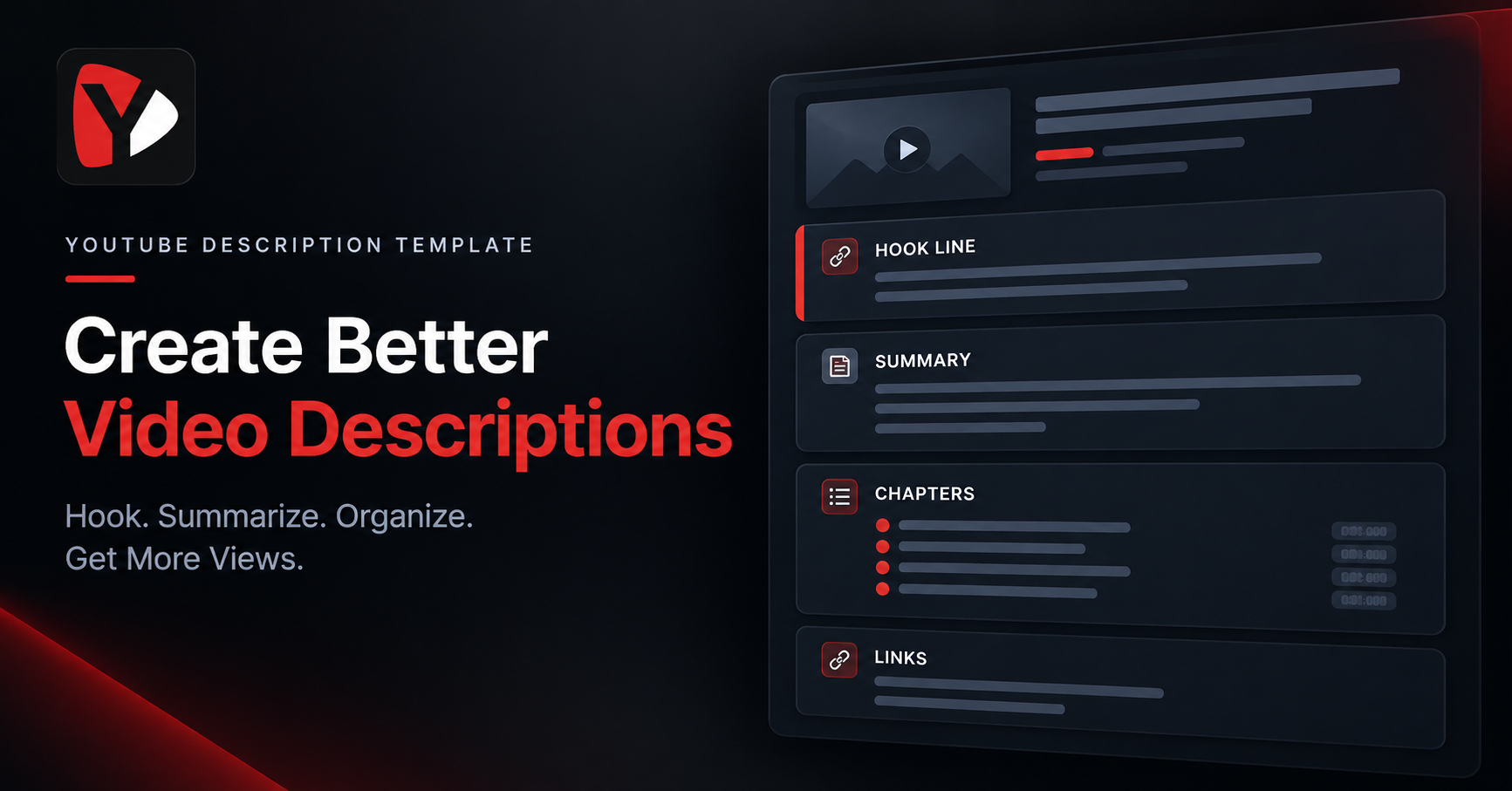
Five parts, in this order. The order matters more than the wording, because it puts the most important information where it is actually seen.
1. The hook line. One sentence naming the topic and the payoff, in searchable language. This is your above-the-fold real estate - treat it like a headline, not a greeting.
2. The summary paragraph. Two to four sentences on what the video covers and who it is for. Write it for a human; the searchable terms will appear naturally because you are describing the actual content.
3. Chapters, if the video has sections. A timestamp list starting at 00:00 turns into clickable video chapters, which makes a longer video easier to navigate and shows viewers the structure before they commit.
4. Relevant links. Things mentioned in the video, or genuinely useful next steps. Not every link you own - relevance beats volume here, and a short list gets clicked more than a long one.
5. A natural closing line. If you want to mention subscribing, do it in one plain sentence at the end, phrased as an invitation rather than a demand. It costs nothing and it does not compete with anything important.
The template, ready to adapt:
[One sentence: the topic and the payoff, in searchable words.]
[Two to four sentences: what the video covers, who it's for,
and what the viewer will be able to do afterwards.]
Chapters:
00:00 [Section]
01:24 [Section]
04:10 [Section]
[Links mentioned in the video]
[One plain closing line.]
Before and After: a Description Rewrite
Here is the same hypothetical video - a tutorial on reviving a sluggish sourdough starter - described two ways.
BEFORE
Hey guys!! New video is up, hope you enjoy it!
Don't forget to LIKE, COMMENT and SUBSCRIBE!!!
Follow me everywhere:
Instagram / TikTok / Twitter / Facebook / Pinterest
#baking #bread #food #recipe #cooking #homemade #yum #foodie
Nothing here says what the video is about. The visible portion is a greeting and a request. A viewer scanning search results learns nothing, and the system has no specific topic to work with beyond a scatter of broad hashtags.
AFTER
Sourdough starter not rising? Here's the 3-day feeding routine
that brings a sluggish starter back to life.
If your starter has gone flat, watery, or slow, it's almost always
one of three things: temperature, flour, or feeding ratio. In this
video I walk through how to diagnose which one you're dealing with,
the exact schedule I use to revive a starter, and how to tell when
it's strong enough to bake with again.
Chapters:
00:00 Why starters stall
01:12 The temperature fix
03:40 Feeding ratios that work
07:05 How to test if it's ready
Flour I use in this video: [link]
My beginner sourdough guide: [link]
New baking videos most weeks - subscribe if that's useful to you.
The rewrite is not longer for the sake of it. The first two lines now state the problem and the payoff in the exact words someone with a failing starter would type. The summary names the three causes, which is real topical detail. The chapters make an eight-minute video scannable. And the closing line asks for the subscribe in a single sentence, at the bottom, where it costs nothing.
How Long Should a YouTube Description Be?
The field allows up to 5,000 characters, which is far more than most videos need. A practical target for most uploads is somewhere between 150 and 400 words: enough to describe the video properly, add chapters, and include the links that matter, without padding.
Length is not the number that matters, though. The number that matters is where the text gets cut. Only roughly the first 150 characters or so appear before the "Show more" link on the watch page, and here is the nuance most guides miss: the cut responds to line breaks as well as character count. Press Enter twice near the top and your visible preview can end far earlier than any character count would predict.
- Practical consequence: write your hook line as a single unbroken sentence, and do not put a blank line inside it.
- Second consequence: check your own video after publishing. Open it on a phone and on a desktop and see where your text actually cuts. That takes ten seconds and beats any published figure.
[VERIFY] The ~150-character figure is widely reported but is not stated on an official YouTube page, and display behaviour varies by device and layout. Keep the approximate phrasing above, or confirm current behaviour by eye on a live video before publishing. The advice that survives any change - front-load the hook, avoid early line breaks - is the durable part.
Should I Put Keywords in My YouTube Description?
Yes, but as sentences rather than as a list. Your main search term belongs in the first line and can appear naturally once or twice more in the summary, because you are describing the video and those are the words that describe it. That is the whole technique.
What does not work is a block of comma-separated terms at the bottom, or the same phrase repeated a dozen times. That is keyword stuffing: it reads badly to humans and it is against YouTube's spam policies, which is a real risk for no benefit. If you are unsure which terms your audience actually uses - the phrasing in your head is often not the phrasing people type - the Keyword Generator surfaces the vocabulary attached to your topic, which you can then write into real sentences.
One more placement note: the title carries more weight than the description for the same keyword, so make sure your main term is in the title first. The description supports it rather than replacing it - covered further in how long a YouTube title should be.
Common Description Mistakes
- Keyword stuffing. Lists of search terms or repeated phrases at the bottom of the description. It violates YouTube's spam policies and it makes the description worse for the humans reading it.
- A wall of unrelated links. Fifteen links to every platform you have ever joined. Long lists dilute attention; keep what is relevant to this video and to your obvious next step.
- Reusing one description across every video. This is the most common one and the most costly. If every upload carries identical text, none of them describes its own video, and you have given away the field entirely. Keep a reusable block for links and boilerplate by all means - but write the hook and summary fresh each time.
- Opening with a greeting. "Hey guys, welcome back" spends the only lines most viewers see on words that describe nothing.
- Timestamps that do not start at 00:00. Chapters are generated from a timestamp list that begins at 00:00. Start at 01:15 and you get plain text instead of clickable chapters.
How to Write Descriptions Without Starting From Scratch Every Time
Descriptions get skipped because they arrive at the worst possible moment - after editing, after the thumbnail, when the upload screen is open and you want to be done. The fix is to stop treating the description as a writing task and start treating it as an assembly task.
Build a reusable skeleton once: your chapter heading format, your standard links, your closing line. Save it somewhere you can paste from. Then per video, you only write two things - the hook line and the summary - which takes a couple of minutes because you have just spent hours with the material and know exactly what the video delivers.
If you want a first draft to react to rather than a blank box, YouSEO's Description Writer drafts a description from your video's topic, structured along the lines above. Treat the output as a starting point and edit it into your own voice before publishing - a description that sounds like you is part of why people subscribe, and no generated draft knows what actually happened while you were filming.
The Bottom Line
A good YouTube description is not a long one. It is one that says what the video delivers in its first sentence, describes the content honestly in a short paragraph, and puts chapters and links where they help. Everything else - the greeting, the link wall, the hashtag row - is habit rather than strategy.
Draft your next description with YouSEO's Description Writer, then edit it into your own voice. It works from a phone as well as the web, so you can write it while the upload processes.