
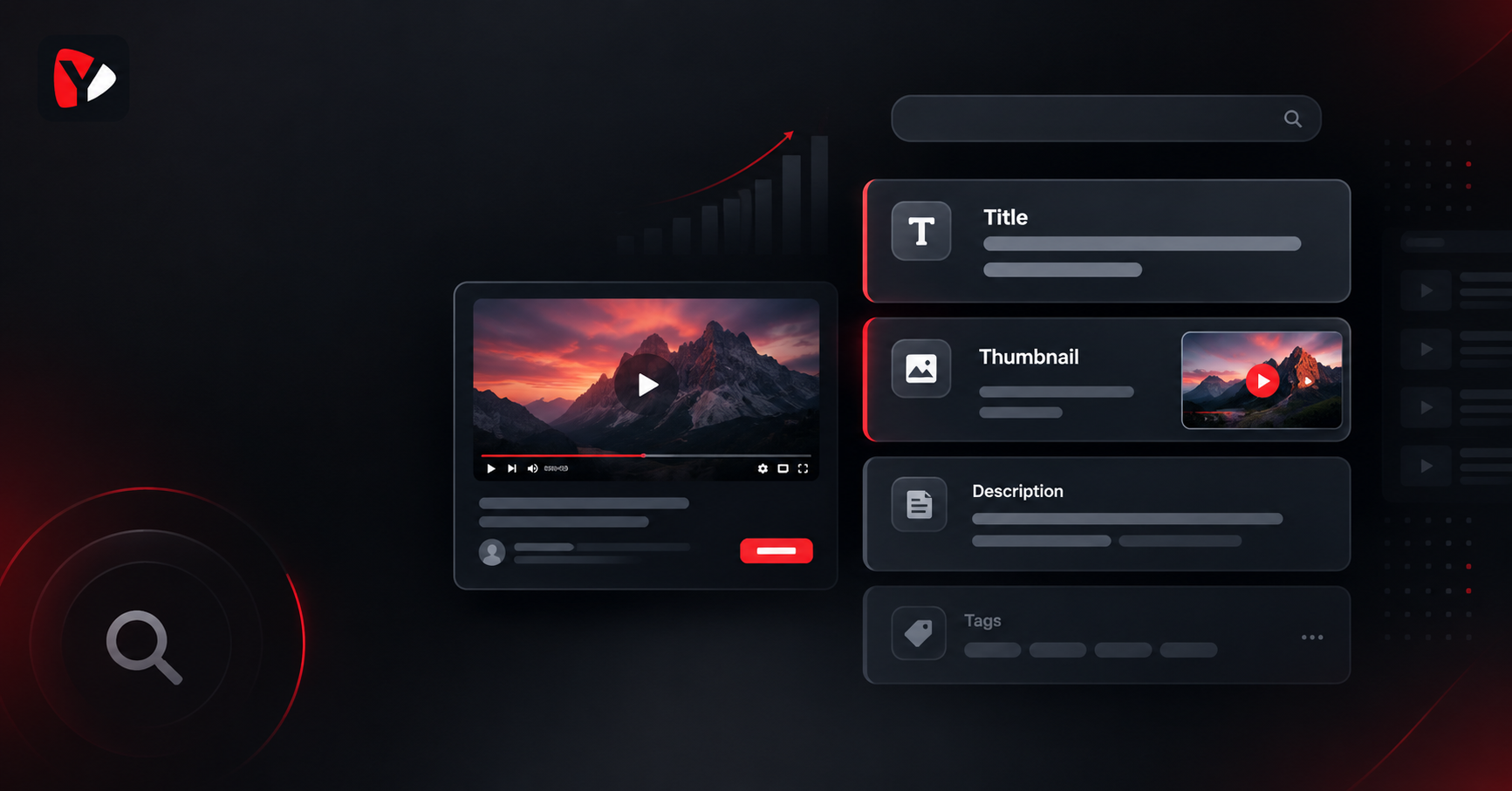
Do YouTube Tags Still Matter? What Actually Works in 2026
Yes, YouTube tags still matter - but far less than most creators believe. YouTube's own documentation states that tags play a minimal role in a video's discovery and are mainly useful when a topic is commonly misspelled. Title, thumbnail, and description carry the real weight. Tags are a small clarity signal, not a ranking shortcut.
Ask ten creators whether YouTube tags still matter and you will get two confident, opposite answers. One group fills all 500 characters before every upload because that is what the tutorials said in 2015. The other leaves the field blank entirely, because a video told them tags are dead. Both are working from a half-truth.
The argument never ends because each side is describing a different era. Tags genuinely were a meaningful ranking input in YouTube's earlier years, and creators who learned then have never unlearned it. Then YouTube's systems got much better at understanding video content on their own - from the title, the description, the audio, and viewer behaviour - and the tag field quietly stopped being load-bearing. It was never removed, though, which is why it still sits in Studio inviting you to overthink it.
So here is the useful version, with the actual documentation instead of the folklore.
What Do YouTube Tags Actually Do?
Tags are descriptive keywords stored in a backend field on your video. Viewers never see them. Their job is to give YouTube extra context about your topic - nothing more dramatic than that. YouTube's own Help documentation is unusually direct about their weight:
"Your video's title, thumbnail, and description are more important pieces of metadata for your video's discovery… Tags can be useful if the content of your video is commonly misspelled. Otherwise, tags play a minimal role in your video's discovery." - YouTube Help
Read that carefully, because it names two genuine jobs. The first is the misspelling catch-all: if your topic involves a brand name, a technical term, or a word people routinely get wrong, tags are where you cover the variants without cluttering your title. The second is quieter - tags add topic clarity, a supporting signal that helps YouTube place a video correctly, particularly when the subject is ambiguous or the vocabulary is niche.
What tags do not do is override anything. They will not lift a video with a weak title, they will not rescue a thumbnail nobody clicks, and no combination of them works as a shortcut.
Do YouTube Tags Help You Rank?
Not in the way the phrase implies. There is no tag you can add that moves a video up in search results by itself, and YouTube's documentation describes their role as minimal rather than decisive. Treating the tag field as a ranking lever is the most common way creators waste time on metadata.
What actually drives discovery is less exotic: a title that names the topic the way a person would search for it, a thumbnail that earns the click, a description that gives real context, and - once someone presses play - whether they stay. Tags sit underneath all of that as a small clarifying layer. Filling them in well takes two minutes and is worth doing. Expecting them to do the work of the others is where creators go wrong.
How Many Tags Should a YouTube Video Have?
The field allows up to 500 characters in total, counted across all your tags combined - not 500 characters per tag. That is a ceiling, not a target, and there is no bonus for reaching it.
A practical range for most videos is roughly eight to fifteen genuinely relevant tags. That is usually enough to cover your exact topic, the broader category, and the variants people actually type, while staying well inside the budget. If you find yourself hunting for tag number thirty, you have left the territory of describing your video and entered the territory of guessing.
The honest test for any tag: would someone searching this term be satisfied by this video? If yes, keep it. If you are adding it because it is popular, remove it.
How to Choose Good YouTube Tags
Build the set in three layers. The layers matter more than the count, because each one does a different job.
- Specific tags - your exact topic. The precise thing your video covers, phrased as someone would search it. These are the most valuable tags you have, and most creators add too few of them.
- Broad tags - the category. The wider subject your video belongs to. Two or three is plenty; broad tags are context, not targets.
- Variants and misspellings. The job YouTube explicitly names. Alternate spellings, singular and plural forms, abbreviations, and the ways people genuinely mistype your key term.
Example: a video about repairing a bicycle derailleur
Specific: fix rear derailleur, derailleur adjustment, bike gears skippingBroad: bike repair, bicycle maintenance, cycling tipsVariants: derailer, derailluer, rear mech adjustment, bike gear tuning
Notice what the variant row is doing. "Derailleur" is a word almost nobody spells right the first time, which makes this exactly the case YouTube's documentation describes. If your topic has no commonly misspelled terms, that row will be short - and that is fine. Do not manufacture misspellings nobody makes.
How to find the variants people actually type
Guessing at misspellings is how creators end up with tags nobody has ever searched. Three places give you the real ones. Start typing your key term into the YouTube search bar and watch what autocomplete suggests - those suggestions reflect genuine search behaviour, including the mangled versions. Then read your own comments: viewers write your topic's vocabulary back at you constantly, misspellings included. Finally, check the search terms report in YouTube Studio's analytics if your channel has one, since it shows the phrases that already brought people to your videos.
Two or three real variants beat a dozen invented ones. If your topic is a common English word that nobody mistypes, skip this layer entirely and put the space into specific tags instead.
Common YouTube Tag Mistakes
- Tag stuffing. Cramming the field with every loosely related term dilutes the clarity signal you were trying to send. YouTube's documentation also notes that adding excessive tags to your video description is against its policies on spam, deceptive practices, and scams.
- Copying a competitor's tags wholesale. Their tags describe their video, including choices that made sense for their channel and audience. Copied tags describe someone else's content on your upload. Use competitor research to understand vocabulary, not to clone a list.
- Riding unrelated trending terms. Adding a popular tag with nothing to do with your video is misleading metadata. It brings the wrong viewers, who leave quickly, which helps nothing - and it risks a policy problem for a payoff that does not exist.
- Reusing one identical tag set on every video. If every upload carries the same tags, the field stops distinguishing anything. Keep a small channel-level core if you like, then change the specific layer per video.
- Spending longer on tags than on the title. The most expensive mistake here, because it is invisible. Minutes spent perfecting tag twenty-two are minutes not spent on the field YouTube names first.
Tags vs. Title vs. Description: Where Keywords Actually Matter
If you take one thing from this article, make it the order of these four fields.
| Field | Who sees it | What it does for discovery |
|---|---|---|
| Title | Viewers and YouTube | The heaviest lifter. Names the topic and earns the click alongside the thumbnail. Put your main keyword here, phrased the way a person would search it. |
| Thumbnail | Viewers | No keywords at all, but it decides the click. YouTube names it alongside the title as core discovery metadata. |
| Description | Viewers and YouTube | Context and supporting terms. The first lines do the most work, since that is what viewers actually read. |
| Tags | YouTube only | A minor clarity signal and a misspelling catch-all. Worth filling in properly; never worth prioritising over the three above. |
The practical implication: write the title first and give it real attention, write a description that helps a human decide, then fill the tag field properly and move on. If you want help building the vocabulary that feeds all of these, that is keyword research rather than tagging - the Keyword Generator covers finding the terms your audience actually searches, which you then use across the title, description, and tags.
What's the difference between tags and keywords on YouTube?
Keywords are the search terms people type - a concept, not a field. Tags are one specific backend box where you can list some of those terms. Every tag is a keyword, but keywords matter in the title and description far more than they do in the tag field. Creators who conflate the two often optimise the least important field and leave the most important one generic.
Do Tags Matter for YouTube Shorts?
Less than they do for long-form, and for a structural reason: Shorts are discovered mostly through the feed rather than through search, so backend metadata carries proportionally less of the load. You can still add tags to a Short, and there is no harm in doing so accurately.
The more important distinction is that tags and hashtags are not the same thing. Tags are the private backend field this article is about; hashtags are public, visible, and behave differently in Shorts discovery - a separate topic with its own rules, covered in Best Hashtags for YouTube Shorts. If you post Shorts, read that one; the advice does not transfer in either direction.
How to Build a Tag Set in Five Minutes
A repeatable process, so tagging stops being a guess at the end of an upload:
1. Write down what the video is actually about, in one sentence. In plain words, as you would explain it to a friend. Your specific tags come out of this sentence, not out of a tool.
2. Check the vocabulary real searchers use. The phrasing in your head is often not the phrasing people type. The Keyword Generator surfaces the terms attached to your topic, so your tags reflect how the audience actually talks.
3. Look at how similar videos describe themselves. Not to copy their list, but to spot vocabulary you missed - the term everyone in your niche uses that you happen not to. The Content Extractor pulls the metadata structure of any public video, so you can see that vocabulary directly rather than guessing at it.
4. Generate, then cut. The YouTube Tag Generator builds a candidate set from your topic in seconds. Then do the part no tool should do for you: delete anything that does not honestly describe your video. A generated list is a starting point, and the cutting is where the quality comes from.
5. Add them in Studio. During upload, the tags box sits under the Details section behind MORE OPTIONS. For a video already published, open YouTube Studio, go to Content, select the video, and find the tags field in its details. Enter each tag, then save.
Should You Go Back and Fix Old Videos' Tags?
Mostly, no - and this is where creators lose whole afternoons. Given how little weight tags carry, retagging a back catalogue is rarely the highest-value use of your time, and it will not revive a video that stalled for other reasons.
There are two exceptions worth the effort. The first is a video that already gets steady search traffic, where a missing variant might be costing you a slice of it - small upside, but the video has proven it can be found. The second is a video with no tags at all on a topic with genuinely tricky spelling, which is the exact case YouTube's documentation describes. Outside those two, leave old tags alone and put the time into the next upload's title.
The Bottom Line
Tags are not dead and they are not decisive. They are a small, cheap clarity signal that catches misspellings and helps YouTube place ambiguous topics - worth two focused minutes per upload, and worth none of the agonising the internet has attached to them. Fill them accurately, keep the set specific, and put the time you save into the title and thumbnail, where discovery is actually decided.
Build a tag set for your next upload with YouSEO's YouTube Tag Generator - free tier, no extension needed, and it works from your phone as well as the web.