
Best AI Tools for YouTube Creators: What Actually Helps You Grow and What's Hype
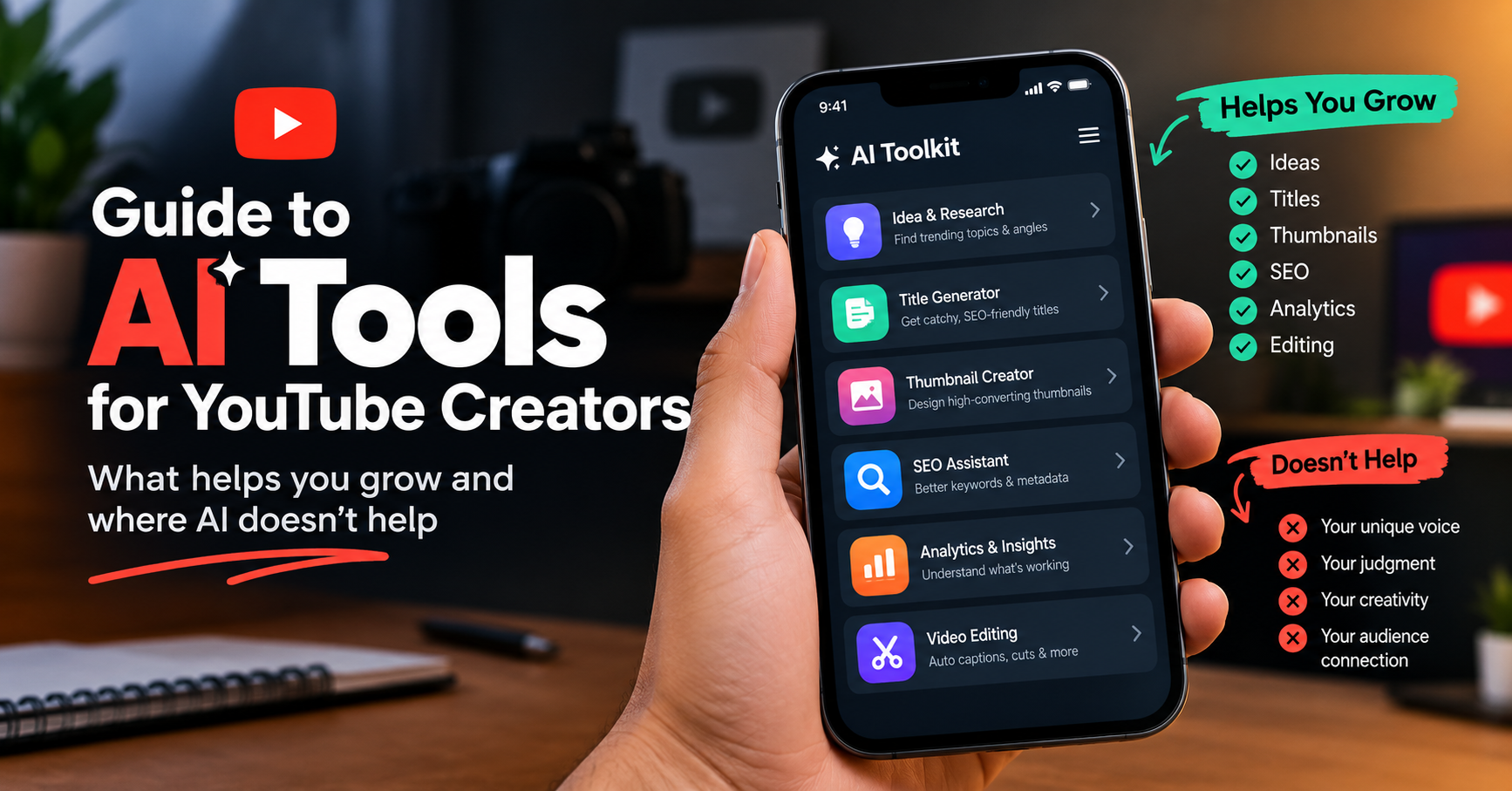
AI tools for YouTube creators do four jobs: research (finding topics and keywords people actually search), creation (drafting titles, descriptions, scripts, and thumbnails), optimization (scoring and fixing a video's SEO and packaging before upload), and analysis (turning channel data into decisions). The best tool depends on the job - not the brand.
Searching for the best AI tools for YouTube creators returns an avalanche: hundreds of tools, every one promising to transform your channel. Most listicles make it worse by organizing around brands - twenty tool names, no way to know which you actually need. This guide is organized differently: by the job you're trying to do. For each job, what AI genuinely does well, which tools fit - ours and others, named honestly - and, just as important, the jobs where AI doesn't help at all. One disclosure up front: YouSEO publishes this blog. YouSEO is an AI-powered YouTube growth toolkit that helps creators plan, create, optimize, analyze, and grow a YouTube channel - all in one app, supporting creators at every milestone. We'll tell you plainly where ours fit and where a different tool serves you better.
AI for Video Ideas and Research
The job: figuring out what to make before you film - which topics have real demand, which are rising, and what phrasing people actually type. This is AI's strongest YouTube use case, because it's pattern-finding across more data than any human can scan. Two of ours fit here: Trending Video Ideas surfaces topics currently gaining momentum in your niche, and the Keyword Generator finds the search terms behind them. General-purpose chatbots like ChatGPT can brainstorm angles well too - the trade-off is that a generic model reasons from its training, not from live YouTube demand signals, so pair its creativity with a data source before betting a filming day on an idea.
A quick vetting test before any AI-suggested idea earns a filming day, whatever tool produced it: Is there evidence of demand - a trend line, search volume, or comparable videos performing now? Can you add something the existing videos don't - a perspective, a demonstration, a local angle? And would your current audience recognize it as your channel's topic? An idea that passes all three is worth making; an idea that only sounds exciting in a chat window usually isn't.
AI for Titles, Descriptions, and Metadata
Metadata is the text YouTube reads to understand your video - title, description, and tags. The job: writing it so both viewers and the search system understand what the video delivers. AI drafts this faster than any human: our Title Generator produces options to choose from and refine, and the Description Writer drafts the description around your keywords. ChatGPT is an honest alternative here - it writes fluent titles and descriptions on request. The trade-off to know: a general model writes text; it doesn't score that text against YouTube-specific data or benchmark it against what's ranking. Draft anywhere you like - but check the draft against data before you publish.
What good metadata actually does, since the jargon hides it: the title earns the click by making one clear promise; the description helps YouTube understand the topic and gives viewers the context and links they need; the tags play a minor supporting role. AI's real contribution isn't magic phrasing - it's producing five title options in the time you'd have written one, so you're choosing between candidates instead of settling for your first draft. The choosing is still yours.
Do AI Thumbnails Work?
The job: winning the click when your video appears next to a dozen others. AI helps twice here - once creating, once checking. The Thumbnail Maker generates thumbnail options in-app, and the Thumbnail Click Score predicts each option's click appeal in plain language before you upload - so the workflow becomes generate, score, upload the strongest, instead of guessing. Canva deserves its honest mention: for manual, hands-on design control, it's excellent and widely loved. The distinction is the checking step - a design tool helps you make a thumbnail; a scoring tool tells you which of your options is likely strongest before the first impression is spent. Do AI thumbnails work? As drafts and as pre-flight checks, yes; as a guarantee of clicks, nothing is.
Can AI Write My YouTube Script?
It can draft one - and that distinction matters. The job: turning an idea into a structured script with a hook that survives the first 30 seconds, where most viewers decide to stay or leave. Our Script Builder drafts full script structures, and the Viral Hook Writer drafts opening lines built for early retention (retention: the share of viewers still watching at each moment). The honest rule for every AI script, ours included: the draft is the skeleton, your voice is the video. Read it aloud, cut what you'd never say, add the phrasing that's yours - an unedited AI script sounds like everyone else's unedited AI script, and audiences notice.
AI for YouTube SEO and Audits
The job: making each upload findable - and diagnosing why an existing video isn't. AI shines at the checklist part: our SEO Analysis scores a video's optimization and lists the specific fixes, before publish or after. Fair mention of the established names: VidIQ and TubeBuddy both offer solid SEO and research features, primarily through desktop browser extensions, and many desktop-first creators use them happily. YouSEO's structural difference is that it's mobile-first - no browser extension needed, which matters because phone browsers don't run extensions at all. If you create from a phone, that difference decides the category; if you work at a desktop, you have more choices.
AI for Analytics and Channel Decisions
Analytics tell you what happened; the job is deciding what to do next - and that gap is where most beginners stall. AI's role is interpretation: Channel Analytics tracks your subscribers, views, and watch time in plain, score-based form, and YouSEO's AI coach answers the "so what do I change?" question in conversation. One number worth understanding early is CTR - click-through rate, the share of people who saw your thumbnail and clicked - and it's widely misread; our guide to what a good CTR actually is explains why a falling CTR often means a video is succeeding. And since analytics involve your channel data: connection runs through YouTube's official API, and YouSEO can never change, edit, delete, or upload anything on your channel.
AI Tools for YouTube Shorts
Shorts are their own job because their discovery works differently - the swipe feed, hooks, and topic momentum matter more than classic search metadata. YouSEO's Shorts section covers this with Shorts-specific versions of the core tools: Shorts SEO analysis, a Shorts title and hashtag generator, trending Shorts topics, and Shorts thumbnails. Two spokes if Shorts are your focus: best hashtags for YouTube Shorts for the hashtag layer, and why your Shorts get no views for the usual fixes when Shorts stall.
AI earns its keep on Shorts more than anywhere else, for a simple volume reason: Shorts reward frequent publishing, and frequent publishing multiplies every research and packaging task. A creator posting four Shorts a week runs the topic-title-hashtag loop four times as often as a weekly long-form creator - which is exactly the repetitive work AI compresses best.
Where AI Doesn't Help
Here's the section the hype listicles skip, and it matters more than any tool recommendation. There are jobs on YouTube that AI cannot do, and pretending otherwise wastes creators' money and time:
- Your voice. AI can draft words; it cannot supply the perspective, humor, and lived experience that make viewers pick your video over an identical topic from someone else. Channels are personalities before they are content.
- On-camera presence. Comfort, energy, and authenticity develop through repetition - filming, watching yourself, filming again. No tool shortcuts that.
- Community relationships. Replying to comments, remembering regulars, building the trust that turns viewers into subscribers - this is human work, and audiences can tell when it's outsourced.
- Judgment about your own audience. AI suggests based on patterns across many channels; you know things about your specific viewers that no model does. When your judgment and an AI suggestion conflict, your judgment gets the tiebreak.
The honest frame for everything above and below: AI suggestions are inputs, not guarantees. Tools compress research, drafting, and diagnosis; they don't create the consistency, quality, and connection that actually grow a channel. Any tool that promises otherwise is selling the promise, not the result.
How to Choose Your AI Stack
Beginner-friendly rules that survive contact with reality: start free - every serious tool has a free tier, and you'll learn more from a week of use than a month of comparison videos. One tool per job - you need ideas, metadata, thumbnails, and a score, not five overlapping subscriptions. And watch for subscription stacking: three $15 tools is $45 a month before your channel earns its first dollar. It's the reason all-in-one toolkits exist - YouSEO covers every job in this guide with 33 tools in one app (15 for Video, 8 for Shorts, 6 for Audit, 4 for Analytics), free to start, with one paid plan, Creator+, and built for creators at every milestone from a first channel through 1M subscribers; every one of YouSEO's 33 tools is explained on our tools page if you want the full walkthrough.
And a simple way to put the whole guide to work: run the jobs as one weekly loop. One research session to pick the topic with real demand. Draft the metadata and script, then edit your voice in. Generate two or three thumbnails and score them before choosing. Run the SEO check before you publish. Review one number afterward - not the whole dashboard. That loop, repeated weekly, is what every tool in this guide is actually in service of; the tools compress each step, and the repetition compounds.
Frequently Asked Questions
Can AI help grow a YouTube channel?
Yes - in specific jobs: research, metadata drafting, thumbnail creation and checking, SEO scoring, and analytics interpretation. AI compresses the work around your content; it doesn't replace the consistency, voice, and quality that actually grow channels. Treat AI output as input for your judgment, not as a guarantee.
What is the best AI tool for YouTube?
There isn't one - there's a best tool per job. General chatbots like ChatGPT excel at open-ended brainstorming and drafting; YouTube-specific toolkits add the data layer (trends, scoring, benchmarks) generic models lack; design tools like Canva excel at manual thumbnail control. Pick by the job you're stuck on, and start with free tiers.
Is AI-generated content allowed on YouTube?
Yes, with a disclosure rule. YouTube requires creators to disclose realistic altered or synthetic content - anything a viewer could mistake for a real person, place, scene, or event, like realistic voice clones or fabricated events - via the altered-content option in Studio. YouTube's own guidance says disclosure is not required for production assistance such as generating scripts, ideas, or captions, or for clearly unrealistic content. Using AI for metadata, research, and drafting is standard practice; check YouTube's current Help Center guidance for details.
Can AI write my YouTube script?
It can draft one well - structure, talking points, and hook options. The draft still needs your voice edited in: read it aloud, cut what you'd never say, and rewrite the phrasing that isn't yours. Unedited AI scripts sound generic, and viewers notice.
Do AI thumbnails work?
As a way to generate options quickly and check them before uploading, yes - generating two or three designs and scoring each beats guessing. As a guarantee of clicks, no; a thumbnail's performance depends on the topic, the audience, and the competition around it. Generate, score, upload the strongest, and learn from your own results.
Are there free AI tools for YouTube creators?
Yes - most serious tools offer free tiers, including YouSEO's, which covers the core jobs in this guide (ideas, titles, thumbnails, SEO checks) without payment, at any channel size. Start free everywhere, keep what you actually use weekly, and upgrade only when a specific limit blocks you.
The Bottom Line
The best AI tools for YouTube creators aren't a brand list - they're a match between a job and a tool: research and ideas, metadata, thumbnails, scripts, SEO, analytics, Shorts. AI genuinely compresses all seven. It does not replace your voice, your presence, your community, or your judgment - and the creators who grow are the ones who let AI handle the compressible work so they can spend themselves on the human part.
Try the jobs in this guide with YouSEO's free tier - 33 tools in one app, no extension needed, on Android, iOS, or the Web App, whatever milestone you're working toward. Generate a title or a thumbnail, then check it before you upload. No promises about outcomes; just less guesswork between you and your next video.