
What Is a Good CTR on YouTube? Benchmarks by Channel Size and Niche (2026)
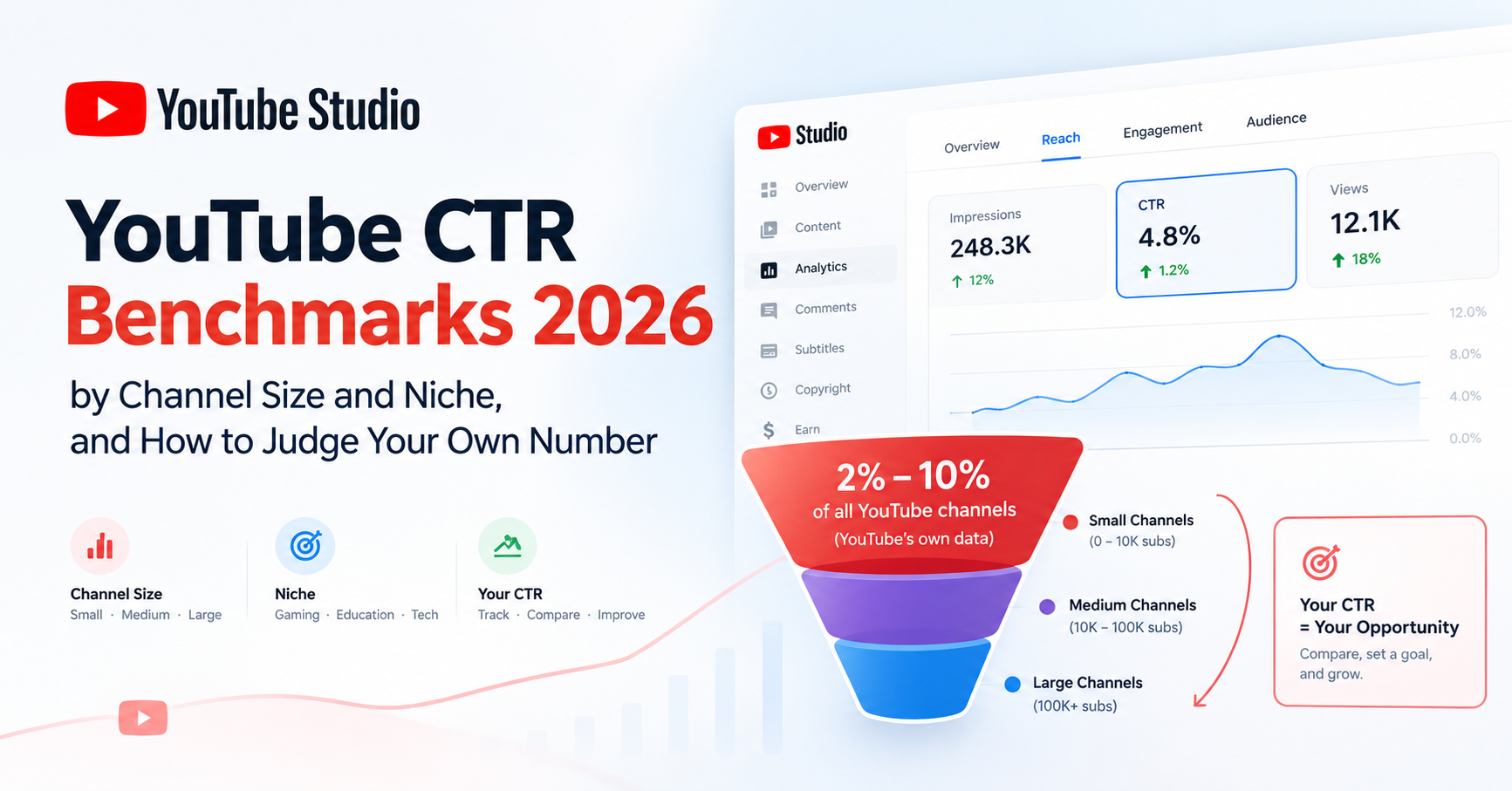
If you're staring at your click-through rate in YouTube Studio wondering whether your number is bad, here's the honest answer to what is a good CTR on YouTube: there is no single good number - and anyone who gives you one without asking about your impressions is guessing. What exists is YouTube's own published range: half of all channels and videos sit between 2% and 10%. Where you should sit inside (or even outside) that band depends on your channel size, your impression volume, your traffic sources, and your niche.
This is a benchmark reference, not a tips listicle. You'll get the official anchor with its caveats, typical ranges by channel size and by niche - every figure labeled with its source - and the one interpretation rule that most articles skip: why a falling CTR is often a sign your video is succeeding. By the end, you'll be able to judge your own number the way an analyst would.
Quick Answer
YouTube reports that half of all channels and videos have a click-through rate between 2% and 10%. For most creators, 3-6% is typical at meaningful impression volume; small channels often see higher. But CTR only makes sense alongside impressions and traffic source - a falling CTR with rising impressions usually means the video is succeeding.
What Counts as CTR on YouTube?
Your impressions click-through rate is the percentage of impressions that turned into a click. An impression is counted when your thumbnail is shown on YouTube - on the homepage, in search results, in suggested videos, or in subscription feeds - for at least one second. If 1,000 people saw your thumbnail and 50 clicked, your CTR is 5%. You'll find it in YouTube Studio → Analytics, under the Reach (or Content) tab, alongside the impressions figure it should never be read without.
YouTube's Official Benchmark: the 2-10% Range
The one authoritative number comes from YouTube's own Help Center: "Half of all channels and videos on YouTube have an impressions CTR that can range between 2% and 10%." That's the anchor - and YouTube attaches caveats that matter as much as the number. New videos and new channels (less than a week old), or videos with under 100 views, can see an even wider and more volatile range. Videos that get a lot of impressions - for example, by appearing on the homepage - naturally see lower CTR, while videos whose impressions come mostly from your channel page run higher. YouTube's own advice: compare CTRs between your videos over the long term, keep traffic sources in mind, and don't chase CTR with clickbait.
Notice what YouTube is really saying: even the platform that invented the metric warns you not to read it as a raw score. That warning is the doorway to the most important section of this article.
Why Did My CTR Drop When My Video Got More Impressions?
Because that's the system working. CTR and impressions are inversely related by design. When you publish, YouTube shows your video first to your warmest audience - subscribers, recent viewers, people who click your content often. That warm group clicks at high rates, so early CTR looks great. If the video performs, YouTube expands impressions to progressively broader, colder audiences - people who've never heard of you. Colder audiences click less, so your CTR falls as your impressions rise.
Read that again, because it inverts how most creators feel about the graph: falling CTR with rising impressions is often a success signal, not a failure. A video at 4% CTR on 1,000,000 impressions is earning 40,000 clicks from cold audiences - dramatically stronger performance than 9% CTR on 2,000 impressions shown mostly to subscribers, which is 180 clicks from people who already like you. Three corollaries follow:
- Small channels naturally post higher CTRs - their impressions go mostly to warm subscribers and notifications. Treat a big percentage on a small impression base with humility.
- Traffic sources have different baselines - search CTR usually runs higher than browse/homepage CTR because search intent is explicit; someone typed exactly what they wanted.
- Comparing your homepage CTR to someone else's search CTR is meaningless - always evaluate at comparable impression volume and the same traffic source.
What Is a Good CTR by Channel Size?
With the context rule in hand, the size bands make sense. These ranges combine YouTube's official anchor with directional figures from public industry analyses published in 2026 - each row's source is labeled:
| Channel size | Typical CTR range | Why | Source tier |
|---|---|---|---|
| All channels (the official anchor) | 2–10% (half of all channels & videos) | YouTube's platform-wide distribution | YouTube official (Help Center) |
| Small (<10K subs) | ~4–10%+ | Impressions go mostly to warm subscribers & notifications | Public industry analyses, 2026 (directional) |
| Medium (10K–100K) | ~3–7% | Mix of warm and colder browse/suggested impressions | Public industry analyses, 2026 (directional) |
| Large (100K–1M) | ~3–6% | Impressions spread to broader, colder audiences | Public industry analyses, 2026 (directional) |
| Very large (1M+) | ~2–5% | Massive cold-audience impression volume | Public industry analyses, 2026 (directional) |
Figures are directional, not targets. Benchmark against your own channel's history in YouTube Studio at similar impression volume - not against this table.
Frame these bands correctly: they are not a ladder to climb. They reflect impression scale. A large channel "falling" from 6% to 4% as it doubles impressions is usually gaining total clicks - which is the number that actually grows a channel.
What Is a Good CTR by Niche?
Niche shifts what "good" means, because different content types earn clicks differently. These tendencies are directional patterns consistently observed across public analyses:
| Niche type | CTR tendency | Why |
|---|---|---|
| Entertainment, challenges, drama/commentary | Higher end of range | Visually differentiated, curiosity-driven packaging invites clicks |
| Tutorials, how-to, tech fixes (search-driven) | Often lower - and that's fine | Search intent converts efficiently; viewers click what answers their query, not what intrigues |
| Tightly-niched channels | Higher for their size | Impressions reach well-matched audiences who recognize the channel's promise |
| Broad-topic channels | Lower for their size | The topic-breadth effect: each video's impressions hit many viewers matched to a different topic |
Directional tendencies, not quotas. Your channel's own history at similar impression volume remains the only benchmark that matters.
The topic-breadth effect deserves the extra sentence: a channel that covers many topics sends each video's impressions to an audience where only a fraction cares about that video's topic - so CTR runs structurally lower than a tightly-niched channel of the same size. That's a positioning trade-off, not a packaging failure.
How to Judge Your Own CTR the Right Way
The rule: judge your CTR only against your own channel's history, at similar impression volume, from the same traffic source - and always read it alongside average view duration. A CTR is "good" when it beats your own baseline under comparable conditions and the viewers it brings in actually watch. A high CTR with collapsing retention signals clickbait to YouTube and hurts the video; a moderate CTR with strong watch time is a healthy video.
Practically, in YouTube Studio: open the video's Reach tab, note the impressions and traffic-source mix, then check average view duration on the Engagement tab. CTR × watch time is the pair that matters - either number alone can mislead you. And the reassurance the worried creator deserves: if you're sitting at 3% with real impression volume and solid retention, you are inside YouTube's own published range and doing fine.
What Actually Improves CTR?
- Thumbnail clarity at small sizes - one subject, readable at a glance on a phone
- Title-thumbnail complementarity - the two should add up to one promise, not repeat each other
- Topic-audience match - the strongest thumbnail can't save a topic your impressions' audience doesn't want; sometimes "low CTR" is a topic-selection problem, not a thumbnail problem
- Packaging consistency - a visual style viewers recognize compounds clicks over time
- First-24-hours warmth - your earliest impressions are your warmest; a strong first day earns broader testing
- Traffic-source mix - more search-driven discovery generally lifts blended CTR
For the topic-selection lever, see find trending YouTube video ideas - and note that Shorts play by different rules entirely: the Shorts feed autoplays rather than presenting thumbnails, so classic CTR matters far less there (see why your Shorts get no views).
How Do You Test a Thumbnail Before Publishing?
YouTube's built-in option is Test & Compare - it A/B tests up to three thumbnails, but it runs after publishing, on live traffic. That means your test burns real impressions, including the crucial first-24-hours window when your warmest audience sees the video and YouTube decides how broadly to push it. Testing after publish is better than not testing; testing before publish is better still.
That pre-upload step is what Thumbnail Click Score does - full disclosure: it's our tool; YouSEO publishes this blog. (YouSEO is an AI-powered YouTube growth toolkit that helps creators plan, create, optimize, analyze, and grow a YouTube channel - all in one app, for creators at every milestone.) It predicts your thumbnail's click likelihood before you upload, in plain language ("about 2 in 100 people who see this will click it"), and compares your design against exemplar thumbnails in your niche. The workflow: create two or three options with the thumbnail maker, score each, and upload the strongest - so your warm-audience window goes to your best design instead of a coin flip. To be clear about what it is: a pre-flight check, not a promise. No tool can guarantee a CTR - but knowing which of your options is strongest before the first impression is spent is a real edge. It's free to try on Android, iOS, or the web (see best YouTube growth apps for mobile creators), and pairs naturally with a pre-publish check of your video's SEO score. Test your next thumbnail with Thumbnail Click Score before you upload.
Frequently Asked Questions
What is a good CTR on YouTube?
YouTube's own documentation says half of all channels and videos have a CTR between 2% and 10%. At meaningful impression volume, 3-6% is typical for most creators, and small channels often run higher because their impressions go mostly to subscribers. Judge your number against your own history at similar impressions, not a universal target.
Is a 3% CTR bad on YouTube?
No. 3% sits inside YouTube's published 2-10% range, and at high impression volume it can represent excellent performance. If your 3% comes with real impressions and solid average view duration, the video is healthy. It's only a warning sign if it's well below your own channel's baseline under comparable conditions.
What's a good CTR for a small YouTube channel?
Small channels (under ~10K subscribers) commonly see roughly 4-10% or higher, per public industry analyses - because their impressions go mostly to warm subscribers and notifications. Treat high numbers on small impression bases with humility: the real test comes when YouTube pushes the video to colder audiences.
Why did my CTR drop as my views grew?
Because YouTube expanded your impressions to broader, colder audiences - which is what success looks like. Warm subscribers click at high rates; strangers click less. A falling CTR with rising impressions usually means more total clicks and wider distribution, not a failing video.
Is a high CTR always good?
No. A high CTR with weak retention signals clickbait - viewers clicked, felt misled, and left - and that combination hurts the video's recommendations. CTR and average view duration must be read together: moderate CTR with strong watch time beats high CTR with collapsing retention.
How do I improve my YouTube CTR?
Work the levers: a clear thumbnail readable at small sizes, a title that complements rather than repeats it, topics matched to your audience, and consistent packaging. Sometimes low CTR is a topic-selection problem rather than a thumbnail problem. And always verify improvements against your own baseline, not someone else's number.
Can I test a thumbnail before uploading?
Yes. YouTube's Test & Compare runs after publishing on live traffic, but YouSEO's Thumbnail Click Score (we publish this blog) predicts click likelihood before upload in plain language, with niche exemplar comparisons - so you post your strongest option first. It's a pre-flight check, not a guarantee, and it works the same at any channel size.
The Bottom Line
There's no universal good CTR - there's YouTube's 2-10% range, your channel's own history, and the context that makes the number mean something. Read your CTR next to impressions and traffic source, pair it with average view duration, and remember that a falling percentage on a rising impression curve is usually a video winning, not losing.
Two things worth doing today: open YouTube Studio and re-read your latest video's CTR with the context rule - impressions, source, watch time - before judging it. Then, for your next upload, test your thumbnail options with Thumbnail Click Score before you publish, free, so your strongest design meets your warmest audience. Download YouSEO on Android or iOS, or use the Web App. No promises about your numbers - just the context to read them right and a way to stack the first impression in your favor.