
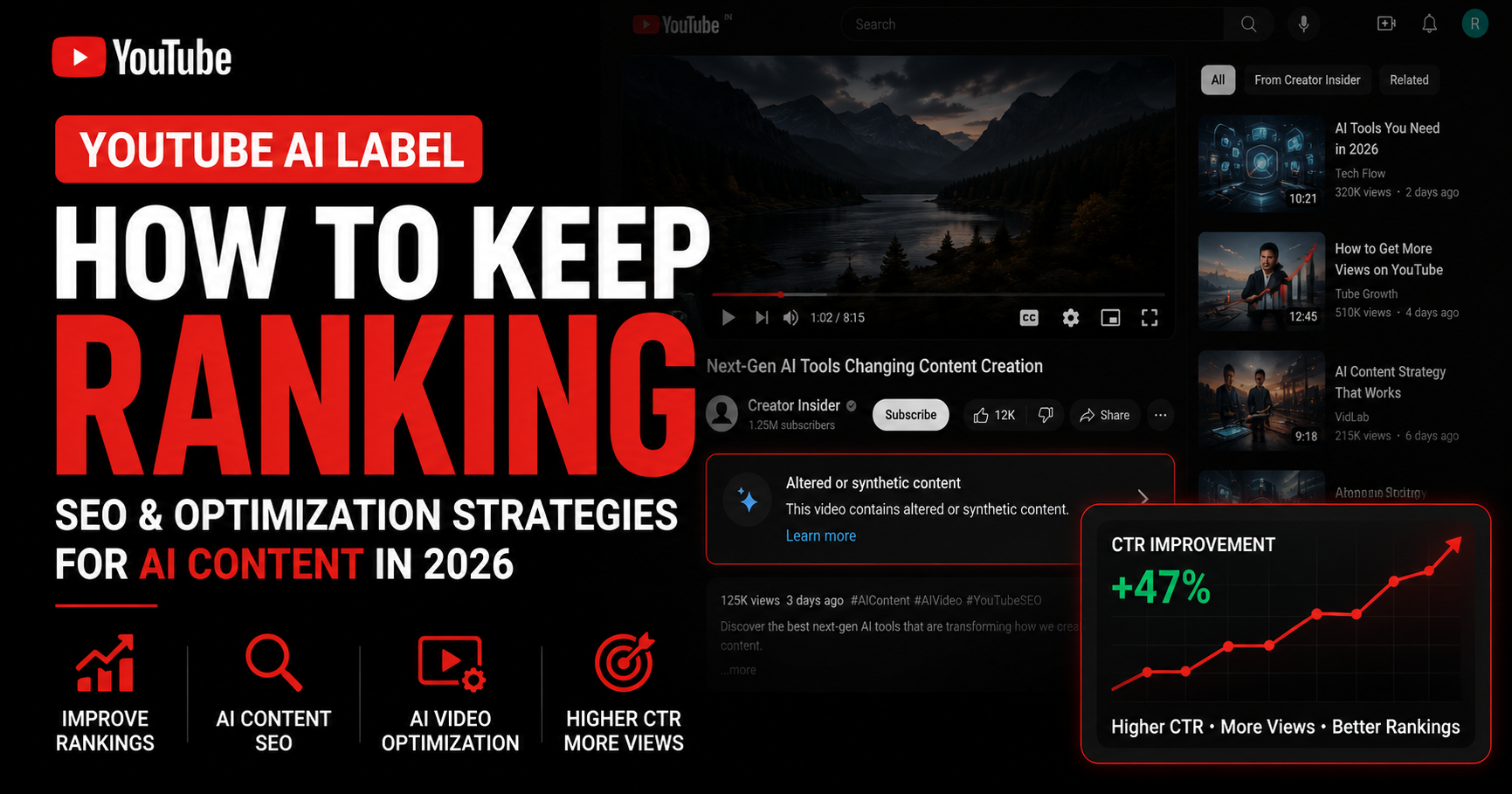
Got an AI Label on YouTube? Here's How to Keep Your Videos Ranking in 2026
You've got an AI label on your video. Maybe it auto-applied after May 2026. Maybe it's permanent because you used Veo or Dream Screen. Either way, you can't remove it - and now you're worried your YouTube AI label ranking is about to collapse.
Short answer: probably not, if you understand what the label actually changes. The label doesn't directly hurt your ranking. What it can change is viewer behavior - how many people click and how long they watch - and those signals do shape distribution. The good news: those are the same things every YouTube creator already optimizes. You just need to do it deliberately now.
Quick Answer
YouTube AI labels on Veo, Dream Screen, or C2PA content are permanent in 2026 and can't be removed. But the label itself does NOT tank ranking - viewer click-through, trust, and watch time do. To keep ranking: strengthen titles, thumbnails, and metadata to win the click, target high-intent keywords for discovery, and track each labeled video against your channel baseline.
Can You Remove an AI Label on YouTube?
Not for content made with YouTube's own AI tools. Labels are permanent on uploads created with Veo or Dream Screen and on content carrying C2PA metadata indicating fully generative AI. There is no appeal route, no removal pathway.
You can still dispute a genuinely incorrect auto-detected label via YouTube Studio (detection is probabilistic, so false positives happen). And the label's placement is now more prominent - directly below the video player on long-form, as an overlay on Shorts. For the full policy breakdown, including auto-detection, EU AI Act timing, and what specifically triggers a label, see YouTube Now Auto-Labels AI Videos in 2026. This post assumes you already have a label and want to keep ranking - so let's focus on what you can actually control.
Does an AI Label Hurt Your Ranking? The Real Threat Is Losing the Click
The label is information, not a penalty. YouTube has confirmed the AI label does not directly affect search ranking, suggested-video recommendations, or monetization eligibility.
What it CAN change is the context around your video before viewers decide to click. If your title and thumbnail were already borderline - vague keyword, low-contrast image, weak hook - and now a prominent AI label sits below them, the label becomes another reason for viewers to scroll past. Click-through rate drops. Watch time follows. Those signals feed back into how YouTube distributes the video.
The threat was never the label. The threat is losing the click. The click is something you control.
How Do You Keep a Labeled Video Ranking? The Playbook
Four practical levers move the needle on a labeled video - all controllable, all measurable:
Titles That Win the Click
Front-load both the value and the target keyword in the first 30 characters. Set expectations the label won't undercut: if your video uses AI, signal it cleanly in the title ("AI-animated explainer," "reconstructed footage") rather than letting the label surprise the viewer. Avoid clickbait - the AI label makes overpromising more visible, not less. Honest, specific, keyword-led titles consistently outperform vague or sensational ones for labeled content.
Thumbnails That Earn the Play
Strong contrast, one clear focal element, large legible text (4-6 words maximum). Check legibility at 120×68 pixel preview size - most viewers scroll past on mobile. The thumbnail should complement the label, not fight it: if the content is clearly stylized or animated, lean into that aesthetic so the label reads as confirmation rather than caution. Realistic AI imagery without that clarity is exactly where labels hurt CTR most.
Metadata That Helps YouTube Rank You
Three things matter most: (1) place the focus keyword within the first 150 characters of the description; (2) use 5-12 accurate tags including your primary keyword, 2-3 variations, and 2-3 niche topics; (3) keep title, description, and tags consistent on one focused topic. Mixed metadata signals confuse YouTube's semantic understanding and cap distribution regardless of label.
Scan every upload with the YouSEO YouTube video SEO checker to confirm your metadata is doing its job. For step-by-step scoring, see how to check your YouTube video's SEO score; for benchmark ranges by score band, see what is a good YouTube SEO score.
High-Intent Keywords That Win Discovery
Generic keywords compete with millions of videos. High-intent keywords - what your audience actually types when they're ready to watch - win discovery in both search results and suggested feeds. Look for terms with clear specificity ("how to fix X in 2026" beats "X tutorial"), reasonable competition relative to your channel size, and search demand above 100-500 monthly. Use high-intent keyword research to surface the exact phrases your niche searches, then build titles and descriptions around those terms.
Track What's Actually Working - Don't Guess
Optimization without measurement is guesswork. Measure each labeled video against your own channel baseline - your historical CTR, average view duration, impressions, and traffic sources. A 5% CTR is great for some niches and weak for others; only your own baseline tells you whether a labeled video is actually underperforming or running normal.
Use Channel Analytics to surface this baseline automatically - the last 90 days of channel performance shown side-by-side with each individual video so you can see exactly where a labeled upload sits. Pair it with the SEO check: if CTR is below baseline AND the SEO score flags weak metadata, you've found your fix. If CTR is below baseline but SEO score is strong, the issue is the thumbnail or the title, not searchability.
Already-Labeled Back Catalog vs New Uploads: What Should You Do First?
For your already-labeled back catalog:
- Audit your last 20-30 AI-labeled uploads against your channel baseline.
- Identify the 5 with the biggest CTR gap below baseline - those are your highest-ROI fixes.
- Re-optimize titles, thumbnails, and descriptions on those first.
- Skip uploads older than 6 months unless they have ongoing niche relevance - they've already settled.
For new uploads going forward:
- Build the SEO check into your pre-publish workflow, not your post-publish panic.
- Optimize title and thumbnail BEFORE publishing - recovery after a flat launch is much harder.
- Get the focus keyword into the description's first 150 characters.
- Launch when your audience is most active to amplify early-engagement velocity.
If your AI-using content is Shorts-heavy, the same logic applies - see YouTube Shorts SEO for the Shorts-specific ranking factors that differ from long-form.
Before-and-After: How One Labeled Video Recovered Its CTR
Consider a real pattern. An AI-assisted educational explainer was auto-labeled after the May 2026 policy change. The original title was generic, and the thumbnail used low-contrast colors with a small face graphic. CTR dropped from 6.1% to 3.4% within two weeks of the label appearing - viewers scrolled past on suggested and home feeds.
The creator re-optimized. The title was rewritten to front-load the keyword and the payoff. The thumbnail was recolored with high contrast and a clear focal element. The description was rewritten with the keyword in the first 150 characters. CTR recovered to 5.8% within 10 days. Average view duration actually improved 14% because the new title set honest expectations the label didn't undercut. Same labeled video, same content - dramatically different performance, because the click work happened.
Frequently Asked Questions About AI Labels and Ranking
Can I remove the AI label on my YouTube video?
Not for content made with YouTube's own AI tools (Veo, Dream Screen) or carrying C2PA metadata - those labels are permanent. You can dispute a genuinely incorrect auto-detected label via YouTube Studio, but auto-applied labels confirmed by detection generally stay. Don't strip metadata or re-encode to dodge detection; those tactics tend to attract more scrutiny.
Does the AI label lower YouTube ranking?
Not directly. YouTube has confirmed the label does not affect search ranking, recommendations, or monetization on its own. Indirectly, viewer response to the label (CTR, watch time, trust) can shift performance - but the label itself is not a ranking signal or penalty.
Will a labeled video still get recommended in suggested feeds?
Yes. Labeled videos remain eligible for suggested-video distribution, home feed surfacing, and search results. The label is information for viewers, not an algorithmic exclusion. Strong CTR and watch time keep labeled videos competitive in suggested feeds just like any other upload.
Do labeled videos still rank in YouTube search?
Yes. Search ranking depends on relevance, watch time, and click-through rate - not on the presence of an AI label. A well-optimized labeled video can outrank weaker non-labeled videos in the same niche if its metadata and engagement signals are stronger.
How do I keep CTR up after getting an AI label?
Strengthen the click-winning levers: title front-loaded with the keyword and value, thumbnail with high contrast and a clear focal point, description that delivers what the title promises. Avoid clickbait - the label makes overpromising more visible. Track CTR against your channel baseline so you know what's actually working.
Should I stop using AI tools like Veo and Dream Screen?
No, not unless your audience specifically rejects AI content in your niche. The label itself isn't a ranking or monetization penalty. Many niches (education, history, animation, hypothetical scenarios) actually benefit from clear AI disclosure because viewers appreciate the transparency. Decide based on what your audience values, not panic about the label.
Bottom Line: Make the Click Un-Missable
The 2026 AI label isn't going anywhere - not on Veo, Dream Screen, or C2PA content, and probably not on auto-detected uploads either. But that was never the deciding factor for whether your video ranks. The click is. The watch time is. The metadata is.
Strengthen titles, thumbnails, and metadata so the click is un-missable with the YouSEO YouTube video SEO checker. Find the high-intent keywords that win discovery in search and suggested feeds. Then track each labeled video against your channel baseline so you know what's actually working instead of guessing. Try YouSEO free today.