
Do YouTube Tags Still Matter? What Tags Actually Do (And Don't Do)
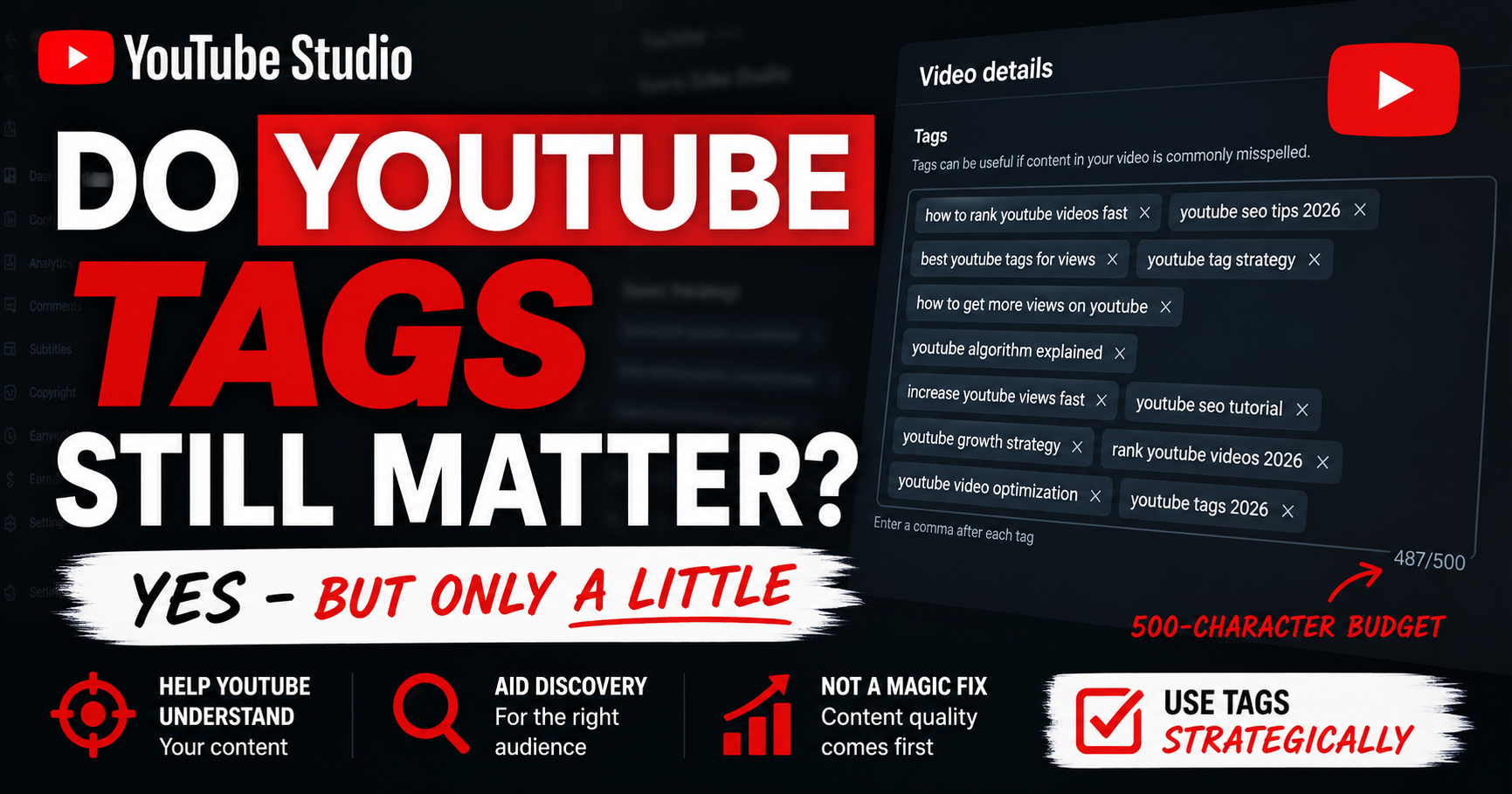
Every creator Googles it at least once: do YouTube tags matter anymore, or are they a waste of time in 2026? Here's the honest verdict up front - yes, but only a little. YouTube's own Help Center says tags "play a minimal role in your video's discovery." They won't rank a weak video or drive reach, but a few relevant tags still do a handful of small, specific jobs.
That's the whole answer in one line. But "a little" hides some useful nuance - what exactly tags DO, what they definitely DON'T, and whether they're worth the 30 seconds. Let's separate the two cleanly.
Quick Answer
Yes, YouTube tags still matter - but only a little. YouTube says tags play a minimal role in discovery and mainly help with misspellings, acronyms, and alternate terms. They won't rank a weak video or drive reach; a few relevant tags simply give the algorithm useful context. Your title, thumbnail, and watch time matter far more.
Do YouTube Tags Still Matter? The Honest Verdict
The short answer is yes - barely. According to YouTube's official Help Center, your title, thumbnail, and description are the important metadata for discovery, and tags "play a minimal role" unless your content is commonly misspelled. That's YouTube saying it directly, not a guess.
So the truth sits between two myths. Tags are not a secret ranking hack that will blow up your views - but they're also not "100% dead." The accurate framing is: a minor signal, useful for a few specific jobs. Do them well in a few seconds, then move on to what actually drives views.
What YouTube Tags Actually DO
Used well, a small set of relevant tags does these legitimate jobs:
- Give YouTube a topic and context signal - a minor reinforcement of what your video is about.
- Cover common misspellings - the one job YouTube explicitly names (e.g., a frequently misspelled product or name).
- Handle acronyms and regional spellings - ASMR vs asmr, color vs colour, and similar variations viewers type differently.
- Provide alternate names - other terms viewers might use for the same topic.
- Disambiguate ambiguous terms - clarify a word that has multiple meanings so YouTube files your video correctly.
- Cover search gaps - relevant phrases that didn't fit naturally in your title or description.
- Add a minor categorization signal - a small nudge for search and suggested placement.
What YouTube Tags DON'T Do
Here's where most tag advice oversells. Tags do NOT:
- Drive distribution, reach, or virality - the algorithm decides that on engagement, not tags.
- Fix a weak title, thumbnail, or hook - no tag set rescues a video people don't click or watch.
- "Boost the algorithm" - there's no hidden tag lever that increases reach.
- Matter much for Shorts - Shorts discovery is feed-driven, not search-driven, so tags barely register there.
- Transfer a viral video's success when copied - that video ranks on its title, thumbnail, and retention, not its hidden tags.
- Increase reach by filling all 500 characters - maxing the budget with filler dilutes your signal and risks a spam flag.
Why the Confusion Exists
Tags used to matter a lot. In YouTube's early years they were a primary SEO lever - stuff the right keywords in and you could rank. That era ended around 2015, when YouTube's AI began understanding video content directly from the title, description, transcript, and even the visuals. The algorithm no longer needs manual tags to know what your video is about.
But the old advice never fully died. Older blog posts, legacy courses, and tag-copying tools keep the myth alive, and many creators keep over-investing simply because everyone else seems to. The result is a lot of wasted time on a minor signal.
How to Add Tags to YouTube Videos
Adding tags takes under a minute. You can do it during upload or anytime after publishing.
During upload:
1. In the upload flow, open the Details step.
2. Click More options (labeled "Show more" in some versions).
3. Enter your tags in the Tags field, separated by commas.
After publishing:
1. Go to YouTube Studio → Content and select the video.
2. On the Details page, click Show more (or "More options").
3. Find the Tags field, add or edit your tags, then click Save.
Separate each tag with a comma. All tags share a single 500-character total budget (commas count toward it), and you can add, edit, or remove tags at any time - including from the YouTube app on mobile. YouTube Studio's exact labels shift occasionally, so if a button is named slightly differently, look for the "Show more" or "More options" toggle on the Details page.
How Many Tags Should You Use?
There's no official recommended number, and no cap on how many tags you can add - only a 500-character total budget for all of them combined. In practice, roughly 10-15 focused, specific tags of about 2-4 words each is a common sweet spot. Make the first tag your exact target keyword, since it carries the most weight. Fill the budget with genuinely relevant tags and stop there - quality beats quantity, and stuffing filler to hit 500 characters only dilutes your signal.
Tags vs Hashtags - What's the Difference?
Creators mix these up constantly. Tags are hidden backend metadata in YouTube Studio, sharing a 500-character budget - viewers never see them. Hashtags are visible, clickable #text in your title or description, a completely separate system with its own rules. Importantly, the hashtag rule that too many hashtags makes YouTube ignore all of them does NOT apply to tags - tags use the character budget instead. For the hashtag side, see best hashtags for YouTube Shorts.
So, Should You Still Bother With Tags?
Yes - just don't over-invest. Adding a few relevant tags takes about 30 seconds and has a small but real upside for misspellings, context, and niche topics where YouTube has less to work with. The mistake isn't using tags; it's spending 20 minutes on them while rushing the title and thumbnail. Do them quickly, do them relevantly, and put your real energy where views actually come from.
Where Tags Fit - and How YouSEO Helps
Tags are the last 5% of optimization, not the first. Your title and thumbnail earn the click, your hook holds the viewer, watch time signals quality, and your description reinforces context. Tags sit quietly underneath as a minor aid. Before publishing, it's worth checking your whole video's optimization - see check your YouTube video's SEO score.
When you do add tags, make them fast and relevant. Start with YouTube keyword research to find the real search terms behind good tags, then build a relevant, budget-appropriate set in seconds with the youtube tag generator - its value is speed and relevance, not magic. Once you accept tags matter a little, the next step is choosing the right ones: see Best YouTube Tags to Get Views for the full method.
A Real Example: Tags Are the Last 5%
Two creators upload the same tutorial. Creator A agonizes over 40 tags for 20 minutes but ships a cluttered, low-contrast thumbnail. The video barely gets clicked, so it never gets the watch-time signal it needs - and no amount of tagging changes that. Creator B spends two minutes on about 12 relevant tags, then pours the rest of their time into a sharp title and a clean thumbnail. The packaging earns clicks, retention does the rest, and the video gets found. Same topic - the difference was where the effort went. Tags are the last 5%, not the first.
Frequently Asked Questions
Do YouTube tags still work in 2026?
Yes, but minimally. YouTube's Help Center says tags play a minimal role in discovery and mainly help with commonly misspelled content. They still provide a small context signal, but your title, thumbnail, description, and watch time do the real work.
Do YouTube tags affect ranking or views?
Only slightly. Tags give the algorithm minor context and help with misspellings and alternate terms, but they don't drive distribution or override weak packaging. A strong title and thumbnail affect views far more than any tag set.
Are YouTube tags dead?
No - that's an overstatement. Tags aren't a major ranking lever anymore, but they still do small, specific jobs like covering misspellings, acronyms, and niche context. The honest answer is minor, not zero.
How many tags should I use on a YouTube video?
There's no official count - just a 500-character total budget. In practice, roughly 10-15 focused, specific tags is a common sweet spot. Make the first tag your target keyword and keep every tag genuinely relevant.
Do tags matter for YouTube Shorts?
Barely. Shorts discovery is driven by the Shorts feed algorithm, not search, so hidden tags play an even smaller role there. For Shorts, relevant visible hashtags and a strong hook matter far more than tags.
The Bottom Line on YouTube Tags
So, do YouTube tags still matter? Yes - a little, for specific jobs. They give the algorithm minor context and help with misspellings and niche terms, but they won't rank a weak video or drive reach. Use a few relevant tags, then spend your real energy on the title, thumbnail, and hook that actually get views.
Don't skip tags, but don't obsess over them. Find the real search terms first with YouSEO's keyword research, build a relevant set in about 30 seconds with the youtube tag generator, and put the rest of your time where it counts. Try YouSEO free today.