
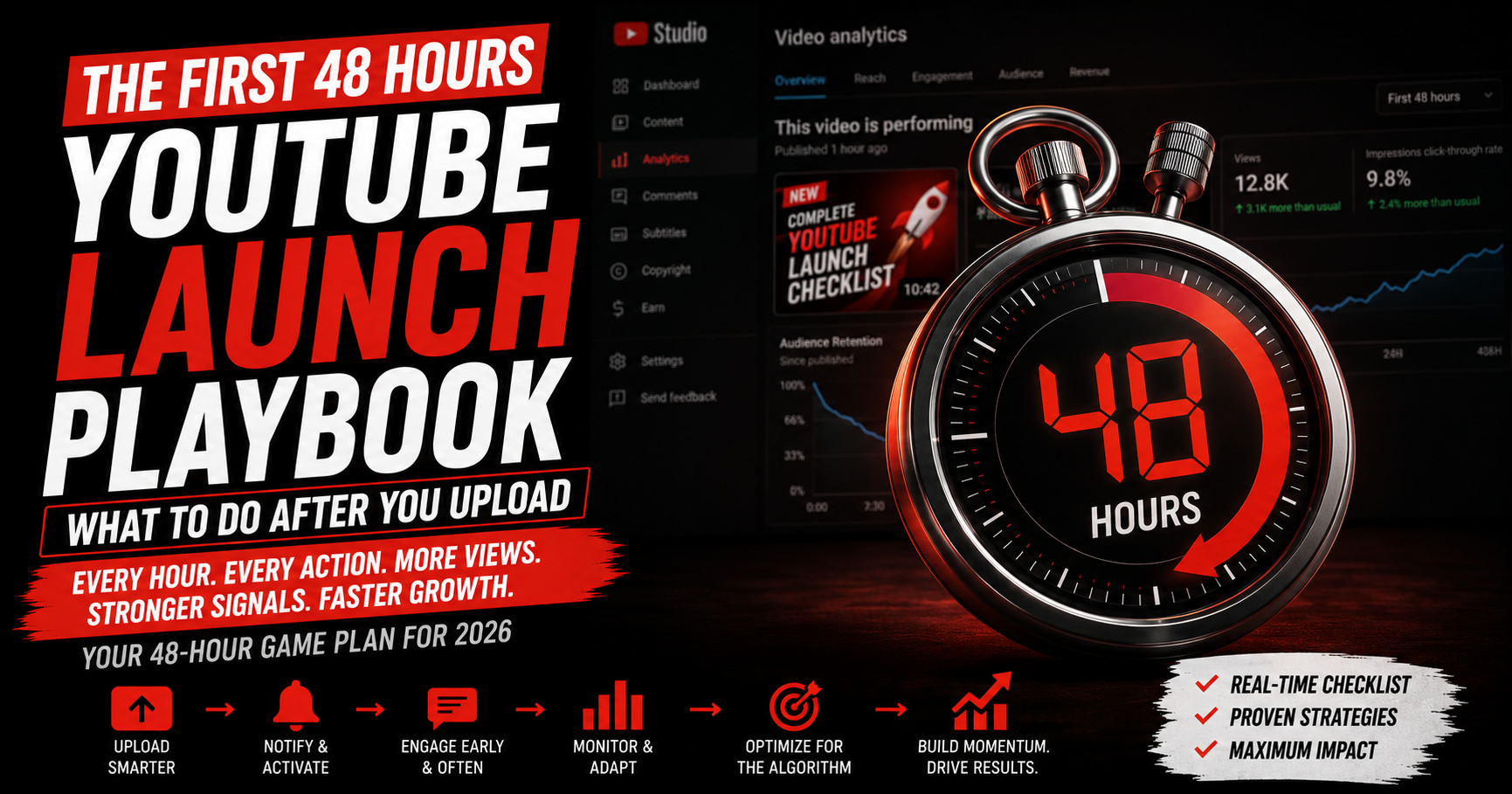
The First 48 Hours After Upload Decide Everything - Here's Exactly What to Do
Most creators hit publish and either freeze or panic. They scroll into TikTok, then check Studio every ten minutes hoping views spike. Neither approach works. What to do after uploading a YouTube video is one of the most actionable questions in creator strategy - and one of the least documented honestly. The first 24-48 hours after upload genuinely matter, because that's the window the algorithm uses to decide how far to push your video. Your job in those hours is not to manifest views. It's to execute a clear launch playbook.
This guide gives you that playbook, the signal patterns to watch for, and an honest take on what a slow start does - and doesn't - mean.
Quick Answer
After uploading a YouTube video: lock in the title, thumbnail, description, chapters, end screens, and captions at upload; notify subscribers and post to the community tab; share to Shorts and other platforms for early traffic; pin an engagement-driving comment; reply to early comments fast; add the video to a playlist; and monitor real-time CTR, retention, and traffic sources. A strong start helps, but a slow start isn't permanent - search and suggested can grow it later.
Why Do the First 24-48 Hours After Upload Matter So Much?
YouTube tests every new video with a small initial audience pool. That test measures click-through rate, average view duration, retention curve shape, and engagement signals. Based on those early numbers, the algorithm decides whether to expand distribution to a larger audience - or cap it at the current level.
Most expansion happens in the first 24-48 hours because YouTube wants to surface fresh content while it's fresh. After about 72 hours, your video transitions from "new and being tested" to "established with known performance." After that, growth still happens - through search and suggested - but it happens at a slower compounding rate, not in expansion bursts. For a deeper breakdown of how the testing-and-expansion mechanism actually works, see our companion guide on how the YouTube algorithm actually works in 2026.
What Should You Lock In AT Upload (Before You Hit Publish)?
These seven elements must be set correctly before publish - fixing them after is harder than getting them right the first time:
- Title: your strongest hook plus the focus keyword. Avoid generic titles - specifics outperform.
- Thumbnail: high contrast, large focal element, legible at thumbnail size. Test against your own grid before uploading.
- Description: strong opening line in the first 150 characters, the focus keyword naturally placed, and clear context for the algorithm.
- Chapters: mark them in the description for videos over 5 minutes. Chapters improve session length and YouTube's understanding of your content.
- End screens and cards: point to a related video or playlist. Defaults to drop-off; an end screen converts that drop-off into another view.
- Captions: upload your own .srt or let YouTube auto-generate, then edit for accuracy. 80%+ of viewers watch without sound at least sometimes.
- Scheduled publish time: release when your audience is most active. Use YouSEO Best Time to Post to identify your specific channel's peak window.
What's the Exact First-48-Hours Playbook?
Once your video goes live, run this 6-step playbook in order:
1. Notify subscribers and post to the community tab. The notification fires automatically when you publish. Within an hour, also post a community-tab update teasing the video - drives a second early-traffic wave from engaged followers.
2. Share to Shorts and other platforms. Repurpose a 20-30 second teaser as a Short with a CTA to the full video. Cross-post to your Instagram, TikTok, X, or LinkedIn for an early off-platform traffic burst. External traffic in the first 24 hours often tips the algorithm into wider expansion.
3. Pin an engagement-driving comment. Within the first hour, pin a comment that asks a specific question your video answers or invites viewer experience sharing. Pinned comments spark replies that boost the engagement signal early.
4. Reply to early comments quickly. The first 10-20 comments are your highest-leverage interactions. Reply within the first few hours - fast replies amplify thread engagement and signal active creator presence to the algorithm.
5. Add the video to a relevant playlist. Adding to an active playlist increases discovery through playlist traffic and improves session-length signals when YouTube auto-plays the next item.
6. Monitor real-time CTR, retention, and traffic sources. Open YouSEO Channel Analytics or YouTube Studio's real-time view. Track three numbers: impressions CTR, average view duration, and where traffic is coming from. Each tells you something different about how the launch is going.
How Do You Read Early Signals - and What Do They Tell You to Fix?
Each early metric points to a specific potential issue:
- Low click-through rate (under 3-4% from browse/suggested): the issue is your title or thumbnail. Viewers aren't being persuaded to click. Test a thumbnail variation within the first 24 hours.
- Early retention drop in the first 15-30 seconds: the issue is your hook. Viewers are clicking but bouncing immediately. The hook didn't deliver on the title's promise.
- Healthy CTR but low average view duration: the issue is content pacing or value delivery. Viewers expected one thing, got another - or the middle drags.
- Traffic only from "channel page" with little browse/suggested: the algorithm hasn't expanded yet. Often means CTR or retention signals weren't strong enough to trigger broader testing.
Is a Slow Start to a YouTube Video Permanent?
No. A slow start hurts the expansion-burst window, but search and suggested can still grow a video for months or years after upload. Many of the most-watched videos on YouTube had unremarkable first weeks before search demand or a sudden surge of related-video recommendations lifted them.
What you should NOT do after a slow start: delete and reupload (loses any momentum that did exist plus any indexed metadata), panic-edit the title and thumbnail repeatedly (resets the algorithm's read on your video), or assume the video is dead at 48 hours. Make one careful thumbnail or title tweak if CTR is clearly weak, then leave it alone for at least a week.
How Should New and Established Creators Approach Launches Differently?
For new creators with small audiences
With few subscribers, you can't rely on notification-driven traffic alone. The first 24-hour burst has to come from somewhere external. Lean heavily on the Shorts-teaser strategy (Step 2) and cross-platform sharing. Post in 2-3 relevant communities or subreddits where promotion is allowed. The goal isn't a huge number - it's enough signal for YouTube to start expansion testing at all.
For established creators optimizing each launch
Treat each upload as a data point that improves the next one. Track first-48-hour CTR, retention curve shape, and expansion pattern in a simple log. Patterns emerge within 5-10 uploads: which days launch strongest, which thumbnail styles consistently underperform yours, which video lengths your audience rewards. Use these signals to refine your next launch - not to anxiously edit the current one.
Frequently Asked Questions About Post-Upload YouTube Strategy
How long does YouTube test a new video?
Most expansion testing happens in the first 24-48 hours, with the bulk of distribution decisions made in that window. After about 72 hours, your video transitions from "new" to "established" and growth comes from search and suggested rather than expansion bursts.
Should I delete and reupload a YouTube video that didn't perform?
Almost never. Deletion loses any existing momentum, watch hours toward monetization, indexed metadata, and external links. If a video truly underperformed and you have a much better version, consider unlisting the original rather than deleting. Reuploading the same content rarely outperforms the first attempt.
Can I change the title and thumbnail after publishing?
Yes, but sparingly. One careful change within the first 24 hours can help if CTR is clearly weak. Constant edits reset the algorithm's read on your video and confuse early viewer expectations. Make a deliberate change, then commit to it for at least a week before evaluating.
What's a good CTR in the first 48 hours?
From browse and suggested, 4-7% CTR is solid, 7-10% is strong, and 10%+ is excellent. From notifications, expect much higher (often 15-30%). CTR from search is typically lower (2-5%) because search results show more competing thumbnails on screen at once.
Should I promote my video on other platforms in the first 48 hours?
Yes. External traffic in the first 24-48 hours strengthens early engagement signals and often tips the algorithm into wider expansion. Shorts teasers, X posts, LinkedIn shares, and community posts all help - as long as the traffic is genuine. Bot or paid view services hurt rather than help.
How Do You Run This Playbook on Your Next Upload?
The next time you hit publish, don't freeze and don't panic. Run the playbook: lock in your seven upload elements, execute the six-step launch sequence in order, and monitor your three core signals (CTR, retention, traffic source) for the next 48 hours. Then leave the video alone and start work on the next one. Each launch builds the data that makes the next launch sharper.
Start the 48-hour window with momentum - post when your audience is online using Best Time to Post. Watch your early CTR, retention, and traffic sources in real time with Channel Analytics. Try YouSEO free today.